HIPAA Fax Requirements: Complete Checklist
Ensure patient privacy with our comprehensive checklist of HIPAA fax requirements for healthcare professionals and organizations.
HIPAA Fax Requirements: Complete Checklist
HIPAA rules are a must when faxing health info. If you're a doctor, insurer, or any firm dealing with health records, sticking to these rules keeps patient details safe and stops big fines. Here's what to know:
- Who needs to follow? Doctors, insurance companies, law firms, and anyone who works with health records.
- Main safety steps: Use safe fax services online, make data unreadable by others, let only some see it, and teach staff the right way to handle it.
- What to put on fax cover sheets: Show who sends and gets it, how to contact them, and a private note - skip names or key details of patients.
- Right ways to send: Check numbers twice, make data unreadable by others, make sure it got there, and keep or tear up papers safely.
Expert tip: New fax tools online like Fax.Plus have HIPAA ready with things like 256-bit AES encryption, safe data sending (TLS 1.2+), and logs that track a lot. For rare fax needs, look at costs by use, like OneFaxNow, to save money.
Basic Fax Safety Rules under HIPAA
When you fax under HIPAA rules, you need a mix of admin, physical, and tech steps. These ways work together to build a strong guard that keeps PHI safe through rules, physical stops, and tech.
Admin Steps
First, make clear rules and teach your team how to fax PHI the right way. These rules should say who can fax, what info they can send, and how to check who gets it. Teach your team often so they know how to deal with fax numbers, fix mistakes, and tell about any security problems.
It's key to limit who can use the fax. Let only certain people send PHI and give them their own login info to track who does what.
If something goes wrong, like a fax sent wrong or a machine breaks, you need a plan to deal with it. This plan should show how to tell people, write down what happened, and tell bosses. These admin steps help get ready for the next steps in physical and tech safety.
Physical Steps
Where you put fax machines is big for keeping PHI safe. Keep them in places not many can get to, away from places like waiting areas or halls, to keep out people who should not see them.
Make sure to pick up incoming faxes fast and lock away any papers that show what you sent. Leaving these out can let others see them.
Put safety stuff on fax machines like passwords, auto log off, and ways to clear memory to stop wrong use. Locks on where papers are can also help keep important papers safe.
Also, set up ways to throw out fax stuff the right way. Things like messed-up faxes or cover pages with PHI should be cut up small to meet HIPAA rules.
Tech Steps
Tech steps are key for keeping PHI safe when sent digitally. Using code to lock the data is a must, making sure PHI stays safe when sent. A lot of online fax services use strong coding on saved stuff, with special keys for each person. Moving data between apps and servers is usually kept safe with new tech [1].
"We use strong 256-bit AES encryption for stored documents, with each user having their own unique encryption key. We also ensure secure data transfer between our apps and servers (mobile, API, web) using TLS 1.2+ encryption." - Fax.Plus [1]
Access rules and login checks limit system use to allowed users. They use special user IDs, tough passwords, and auto logoff tools. Admin panels help keep things safe by letting bosses watch over fax numbers and user rights.
Audit logs and tracking parts give a full view of fax use, showing who sent it, when it was sent, and if it got there. These logs help keep track of things for keeping with rules.
Last, features for keeping fax true make sure faxes get there as they should. Tools like confirmation of delivery, auto-retries for misses, and auto retry setups keep fax info right and trusted.
Simple Fax Cover Sheet Rules for HIPAA
A well-done fax cover sheet helps keep patient info safe. It should share enough info for the right delivery but keep private data safe. Here is what to add - and what to skip - to cut the risk of sharing protected info.
Must-Have Info
When making a HIPAA-ok fax cover sheet, be sure to add these key parts:
- Who Sends It: Put your group's name, part, contact info, your name, and role. If needed, add any inside numbers used to track the paper.
- Who Gets It: Write clearly the receiver's name, group, part, and fax number. Check these facts to not send the fax wrong.
- Sending Facts: Write down the date and time you send it, with the total page count (cover sheet included). This makes sure the talk is logged right.
- Private Note: Put a short private note saying the info is only for the one meant to get it, and what to do if the fax is wrong received.
- What the Doc Is: State what the doc is, like "Medical Records" or "Lab Results", but leave out patient-specific info.
- Who to Call with Questions: Add a direct phone number so the one who gets it can call easy if needed.
Using web fax services like Fax.Plus can help a lot. Such tools let you set up cover pages with your info, and add lines or messages [1].
By adding these parts, you can talk safe and well while lowering risks.
What to Skip on the Cover Sheet
To keep patient privacy even safer, skip any info that might share private details by chance:
- Full Patient Names: Don't list full patient names unless you must. Use initials or medical record numbers.
- Exact Medical Info: Don't put in health info like what is wrong, test results, or how one is treated. Keep it general and to the point.
- Private IDs: Don't put Social Security numbers, birth dates, or other IDs on the cover sheet. These should stay in the main docs only.
- Too Much Detail: Skip why you send the fax or medical terms that could tell the patient's health issue. A simple "Medical Records Request" works.
- Inside Medical Codes or Short Words: Don't use codes or short forms that could leak private info.
- Exact Part Names: Instead of "Oncology" or "Mental Health Services", say "Medical Records Part" to not hint at the type of care.
Since many people might see fax cover sheets, like office workers or fax machine people, it’s key to check that all info is ok for many to see, yet has enough for right delivery.
[1]: (Info from: Fax.Plus – Customize fax cover pages with your info, subject line, or message details)
How to Send Faxes Safely
When you send faxes under HIPAA rules, you must be very careful every step of the way. Each part of the process helps keep patient info safe and cuts the chance of leaks. If you stick to these steps, your fax will meet the federal laws for privacy.
Before You Send the Fax
First, double-check the fax number of the person getting the fax. A wrong number could send private info to the wrong person, which breaks HIPAA rules. Call them to make sure the number you have is right.
Then, look over the papers well to make sure you're only sending the needed Protected Health Information (PHI). Put a HIPAA-ok cover on it that shows needed contact and sending details but leaves out specific patient info. Keep in mind, many people might handle the cover as it goes through.
Last, pick a safe way to send it. Sending faxes from machines in busy places can be risky since anyone might see them. It's better to use a safe online fax service that fits HIPAA rules. These services let you control who sees the docs.
Doing these things before you press "send" builds a strong base for a safe send.
While Sending the Fax
As you send the fax, keep these safety steps in mind:
- Use safe ways and encryption to keep the data safe as it sends. Many new online fax services, like Fax.Plus, use TLS 1.2+ encryption to keep your docs safe on their way [1].
- Stay with your machine till you know it got there. Most online fax places that follow HIPAA give you updates and emails right away, so you know when it's there.
- Fix any sending problems right away. If the fax doesn't go through, don't just keep trying the same number without checking. Call the person getting it to make sure the number is right and they're ready for the docs.
- Write down all the details of the send. Note the date, time, person getting it, and a number that shows it worked. This info is key for checks and following rules.
After Sending the Fax
The work to follow the rules doesn't end when the fax is sent:
- Save proofs that it got there as proof it reached the right person. Many fax services let you see the status of sent faxes in your email, giving you a lasting record for rule docs [1].
- Keep and encrypt sent docs safely as HIPAA says. If you use an online fax service, choose a data store place that follows HIPAA. Places like Fax.Plus offer different store spots, like the US, Canada, and Switzerland, and keep saved docs safe with 256-bit AES encryption. They give each user their own key for more safety [1].
- Throw away any paper copies the right way. Shred all paper used, like drafts, test pages, or prints. Don't just put these in normal trash where others might find them.
- Check with the people who got the fax to make sure they got it all and can read it well, especially if it's important. This helps find and fix any problems with sending it fast.
- Write down how the fax got there and what you did after. Add info like the confirmation numbers, how the people said they got it, and where you put the file. Keep this in your files.
"Every fax you send and receive is safeguarded, ensuring your information remains protected and private." - Fax.Plus [1]
Keep checking and making your plan better all the time. Look at any problems or close calls to see where you can get better. Change your steps as needed to keep up with new rules in HIPAA or new tech stuff.
sbb-itb-0df24da
Online Fax Services: A HIPAA Guide
When you deal with private papers like health records or insurance forms, picking the right online fax service matters a lot. Both the cost and the features for keeping info safe can be different from one place to another. Make sure you look at different choices well.
Things You Should Look At
A good HIPAA fax service needs to check a few key boxes. How they set prices may change – some have a monthly cost no matter what, and some charge you per fax you send. Making sure they follow HIPAA rules is big - some include this for no extra charge, others might ask for more money, or you need to get a special deal (BAA) by talking to customer service.
How fast you can set up your account might affect when you can start to fax. Some let you send right away, others need time to verify who you are. It’s key that you know your private info is going safe to who needs it. Plus, being able to send files like PDFs, Word docs, or pictures without switching them into other types saves trouble. Below is a chart of top providers with these points in mind.
Chart of Providers
| Provider | Pricing | 1-10 Pages | 11-50 Pages | HIPAA Handling | Need Account? | BAA Ready? |
|---|---|---|---|---|---|---|
| OneFaxNow | Pay-per-fax | $3.50 (+$3.00 HIPAA) | $5.00 (+$5.00 HIPAA) | Pick HIPAA mode | No | Right on dashboard |
| eFax | Pay monthly | $16.95/month | $16.95/month | Extra fee | Yes | Ask support |
| Fax.Plus | Pay monthly | $6.99/month | $6.99/month | Always follows rules | Yes | Not said |
| iFax | Pay monthly | $8.99/month | $8.99/month | Extra fee | Yes | Ask support |
| MyFax | Pay monthly | $10.99/month | $10.99/month | Extra fee | Yes | Ask support |
| FedEx Fax | Pay per page | $1.89/page | $1.89/page | Can't get | No | No |
Last checked: November 13, 2025
Costs and Rules You Need to Know
The chart shows big changes in price and law needs. For example, sending a 5-page fax with OneFaxNow is $6.50, while yearly plans like eFax or Fax.Plus could be $203.40/year or $83.88/year. On the other side, places like FedEx Fax ask $9.45 for a 5-page fax but don't offer HIPAA law fits.
Fax.Plus is known for keeping info safe, using 256-bit AES for stored files and TLS 1.2+ for sending data. They also let you pick where your data stays in over 20 places, like the U.S., Canada, and Switzerland, to meet local rules [1]. For groups like health places or law offices that fax now and then - maybe some forms one month and none the next - these points can matter a lot.
Why Pick OneFaxNow
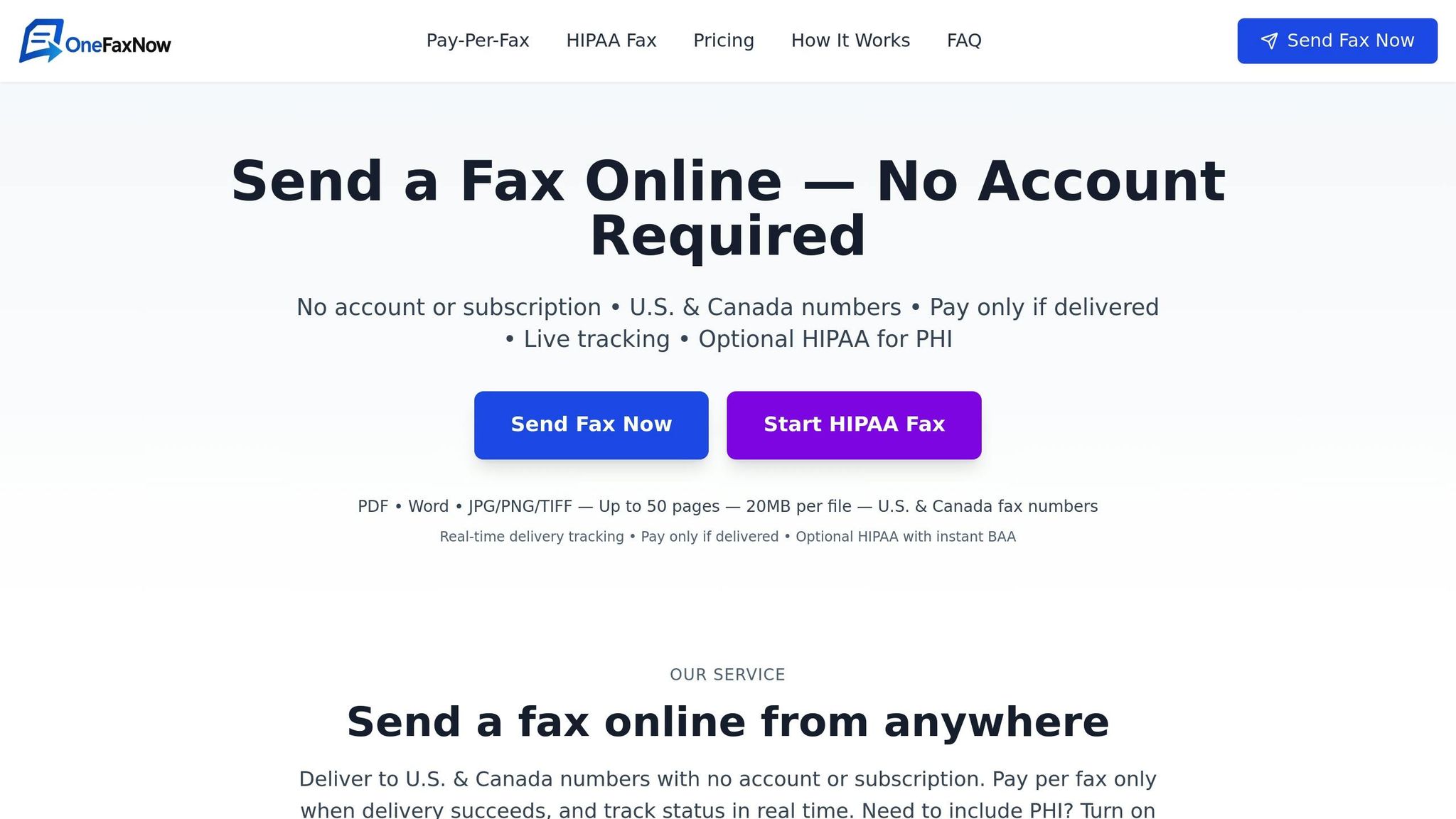
OneFaxNow’s pay-as-you-fax plan and quick BAA setup help it stand out. Not like others with monthly costs, OneFaxNow lets you pay just when you fax. Also, its fast BAA start through the screen cuts out long waits to call help or fill out forms.
The service gives live email notes and links to check your fax got there. Plus, you pay only if the fax goes through - no lost money if it fails.
For health places sending patient tips, insurance groups handling claims, or law offices dealing with records, OneFaxNow brings good prices, fast law set-up, and sure tracking. This makes it a workable and sharp answer for faxes that need to follow HIPAA rules.
Final Steps in Meeting HIPAA Fax Needs
Key Points Outline
To match HIPAA fax demands, three main parts must be in mind: admin, solid, and tech stops. Admin stops mean making sure rules on who can get to patient info are clear and teaching the team to deal with faxed data well. Solid stops are about safe keeping fax tools and making sure only allowed people can get to the documents sent. Tech stops focus on using strong safe codes, like TLS 1.2+ for data moving and 256-bit AES safe code for kept files, to keep health info safe[1].
For fax cover sheets, just put the must-have details: who gets it, who sends it, and a privacy note. Do not list things like names, medical info numbers, or health issues to keep the risk low of wrong people seeing them.
Sending a fax needs you to be watchful at each step. Double-check the fax number, make sure who gets it has the right, and check that it got there. Also, watch that kept faxes follow the local laws. These steps help make fax safer.
What To Do Next for HIPAA
With the stops and cover sheet tips in place, more steps can be taken to be sure you meet all HIPAA needs fully. Good stops and safe cover sheets count, but they are just part of the full plan. Here’s what to do now:
- Look at your current fax ways. Use a list to check rules, solid ways to keep things safe, and tech stops. Search for bits that could be better, mostly in safe codes and who can get in.
- Pick a fax service that fits HIPAA. Go for a service that meets needs like HIPAA, SOC 2, and ISO 27001. For instance, OneFaxNow gives a HIPAA way with fast BAA making, making things faster and cutting wait times.
- Pick how you want to pay so it fits your needs. If you send faxes now and then - like for patient tips or forms from the doc - think of paying per fax rather than monthly. OneFaxNow, for example, takes $6.50 for HIPAA-ok fax of 1–10 pages, with tries again if needed and paying only if it works.
- Check often that all certificates for staying with the rules are up to date. Make sure your fax way's certs and safety steps stay current. Things like built-in e-sigs also help make steps go smooth by less printing, signing, and scanning, which cuts risk and makes things work better.
FAQs
What must go on a HIPAA-safe fax cover sheet?
When you send a fax that must stick to HIPAA rules, the cover sheet is key to keeping a patient's info safe. It needs to have these important points:
- Name of the person sending, their place of work, and how to reach them
- Name of the person getting it and their contact info
- A clear note on keeping things private, such as: "This fax has private info meant just for the person getting it. Using or sharing it without okay is not allowed."
Take care not to put any private health info (PHI) on the cover sheet. To keep data more safe, think about using a fax service that is secure and uses things like encryption and rules on who can see it.