Sending a Fax from a Chromebook or Shared Computer: Privacy Best Practices
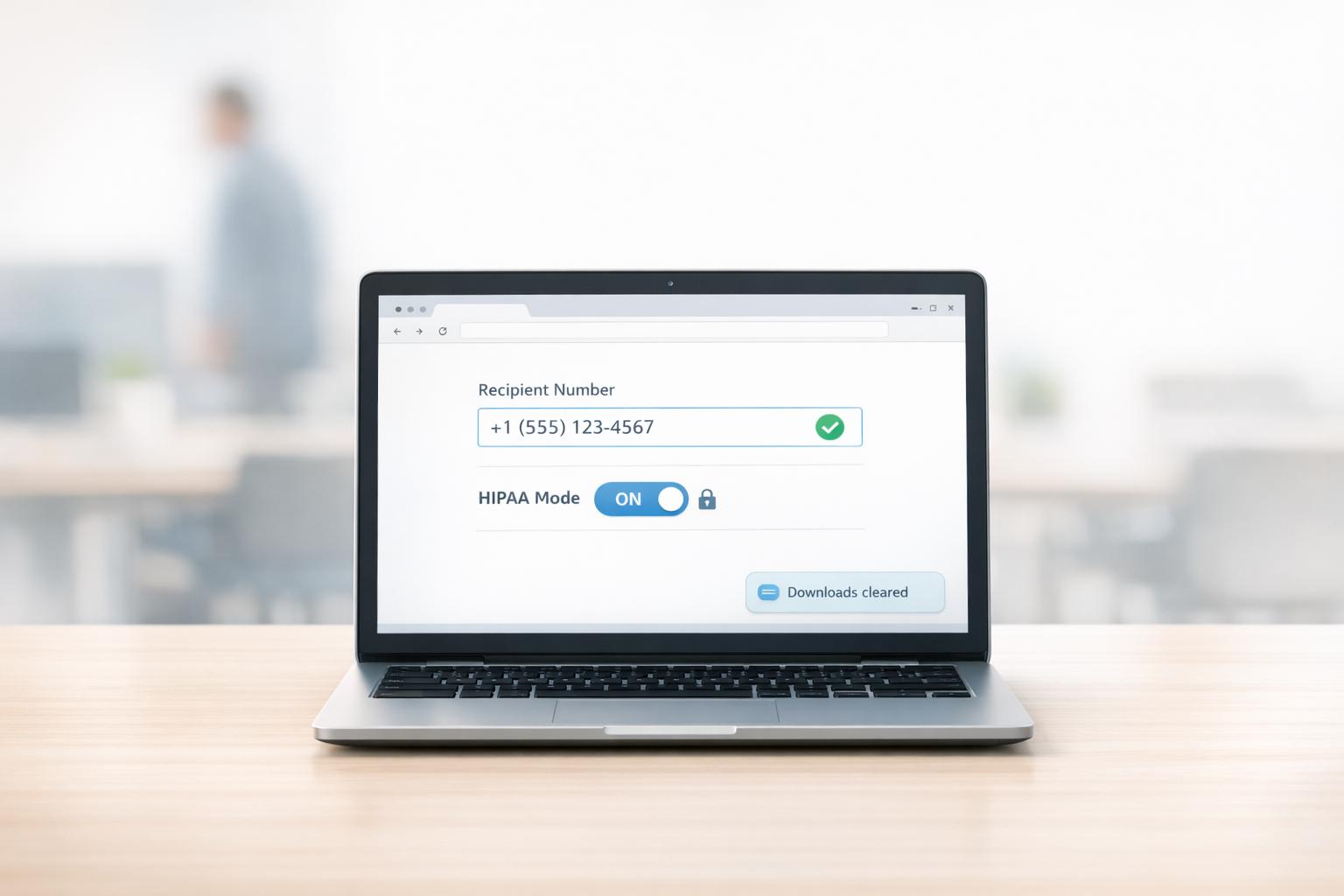
Securely fax from Chromebooks or shared computers—use browser-based faxing, verify numbers, enable HIPAA mode for PHI, and clear downloads.
Learn about online faxing, HIPAA compliance, and tips for sending faxes securely and efficiently.

Securely fax from Chromebooks or shared computers—use browser-based faxing, verify numbers, enable HIPAA mode for PHI, and clear downloads.

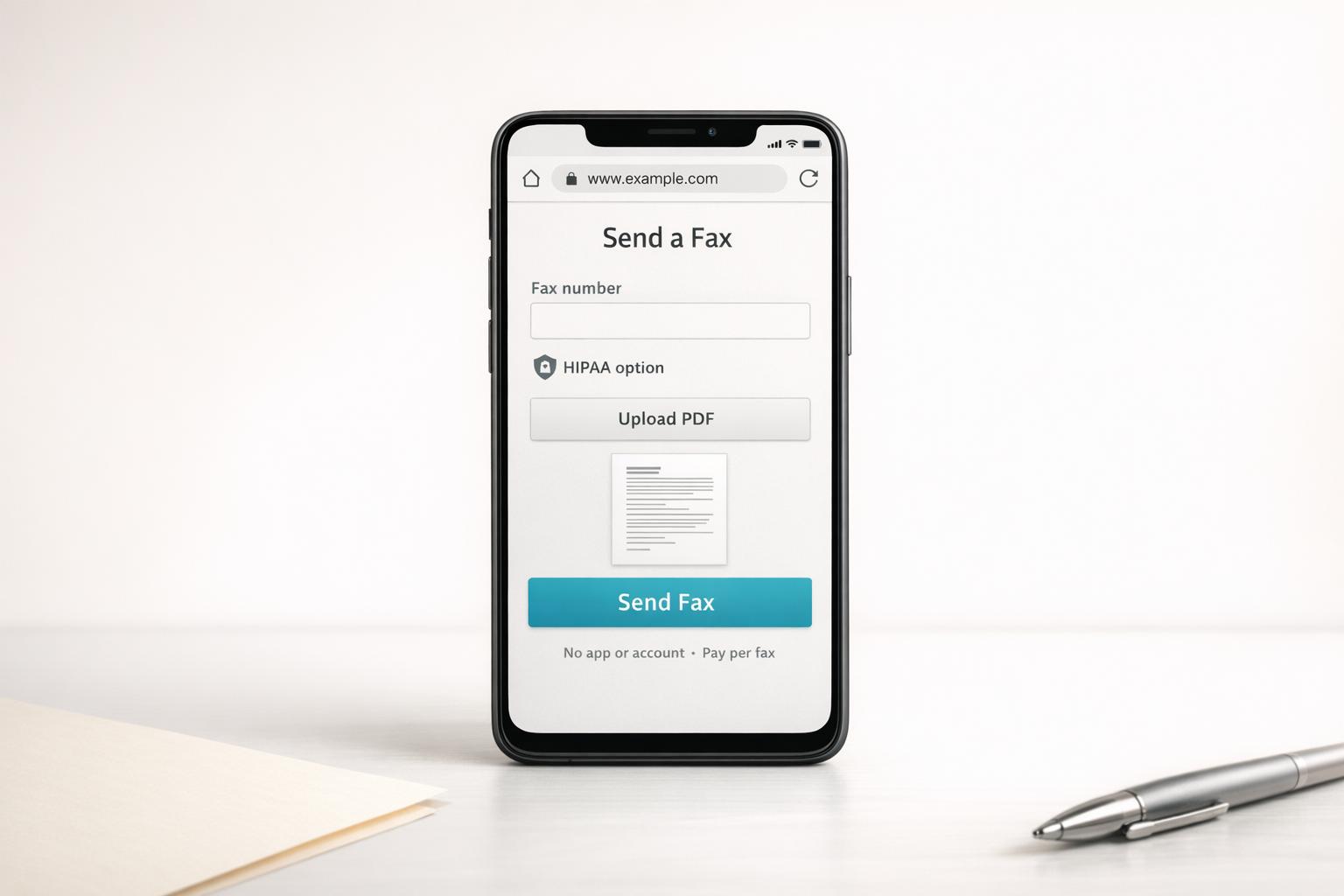
Send faxes from your iPhone or Android in minutes using your browser—no app or account needed, pay-per-fax with optional HIPAA encryption.

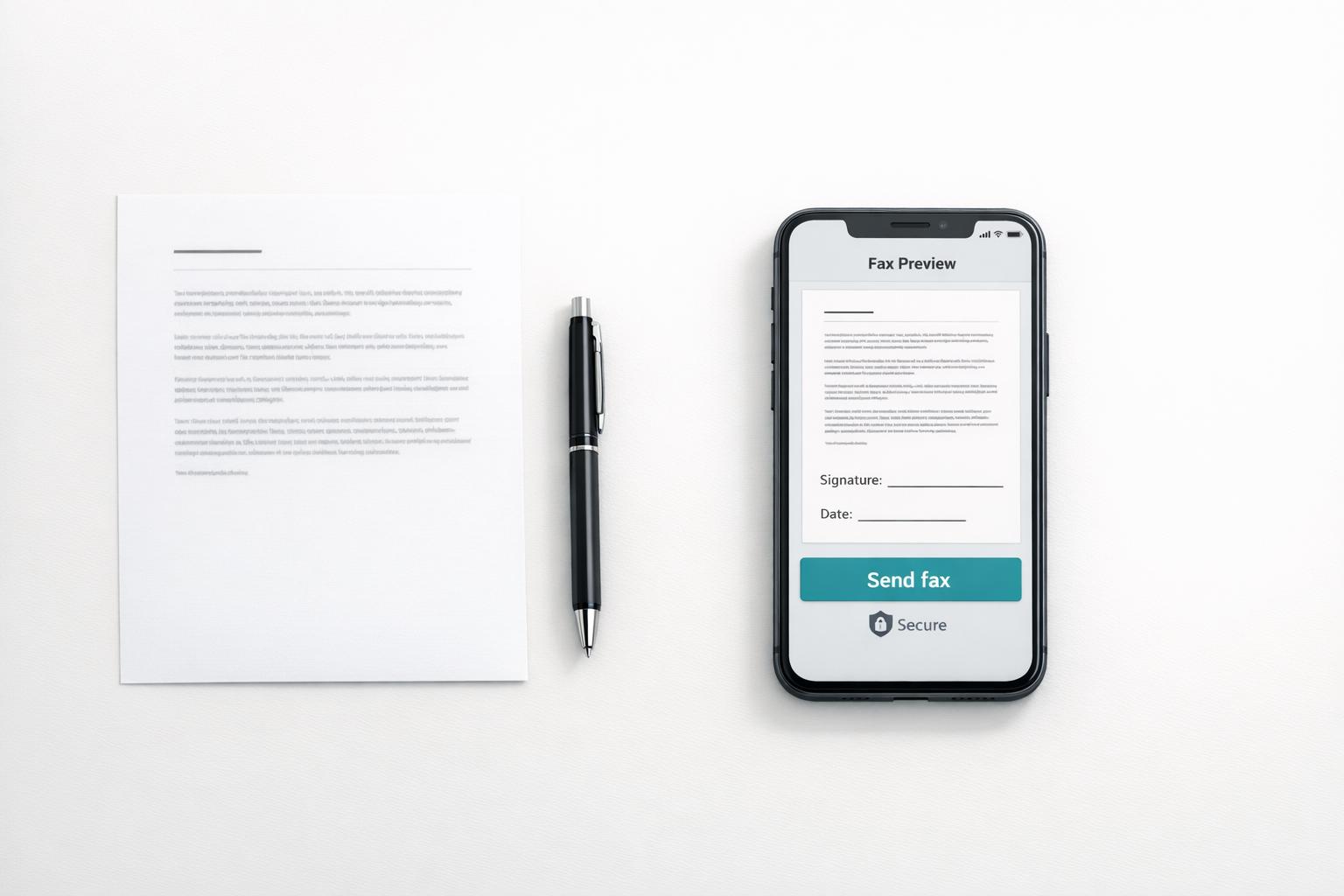
Scan pages with your phone, make a PDF, and send secure pay-per-fax (HIPAA available) without a printer.

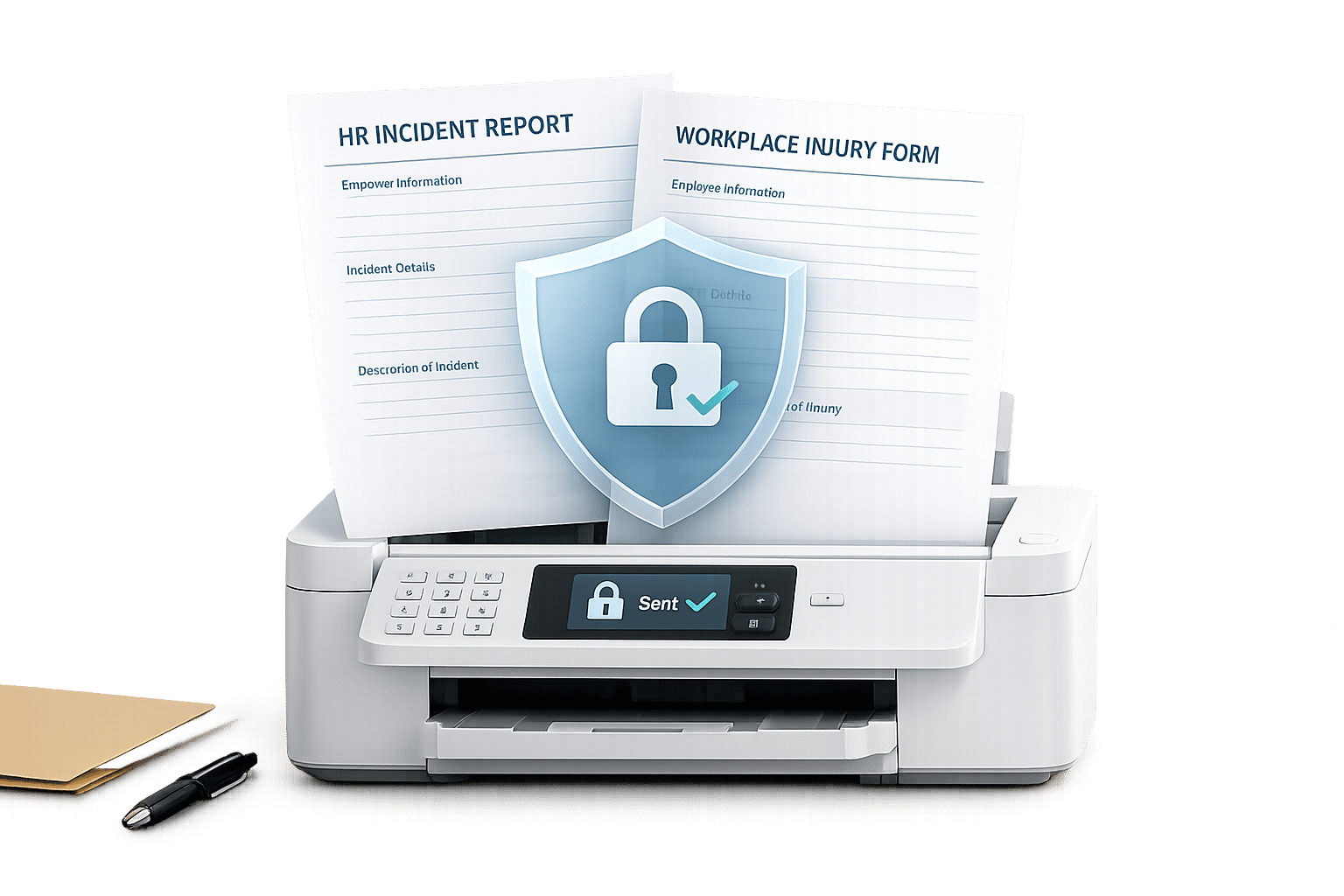
Secure faxing is essential for HR incident and workplace injury forms to prevent breaches and legal exposure.

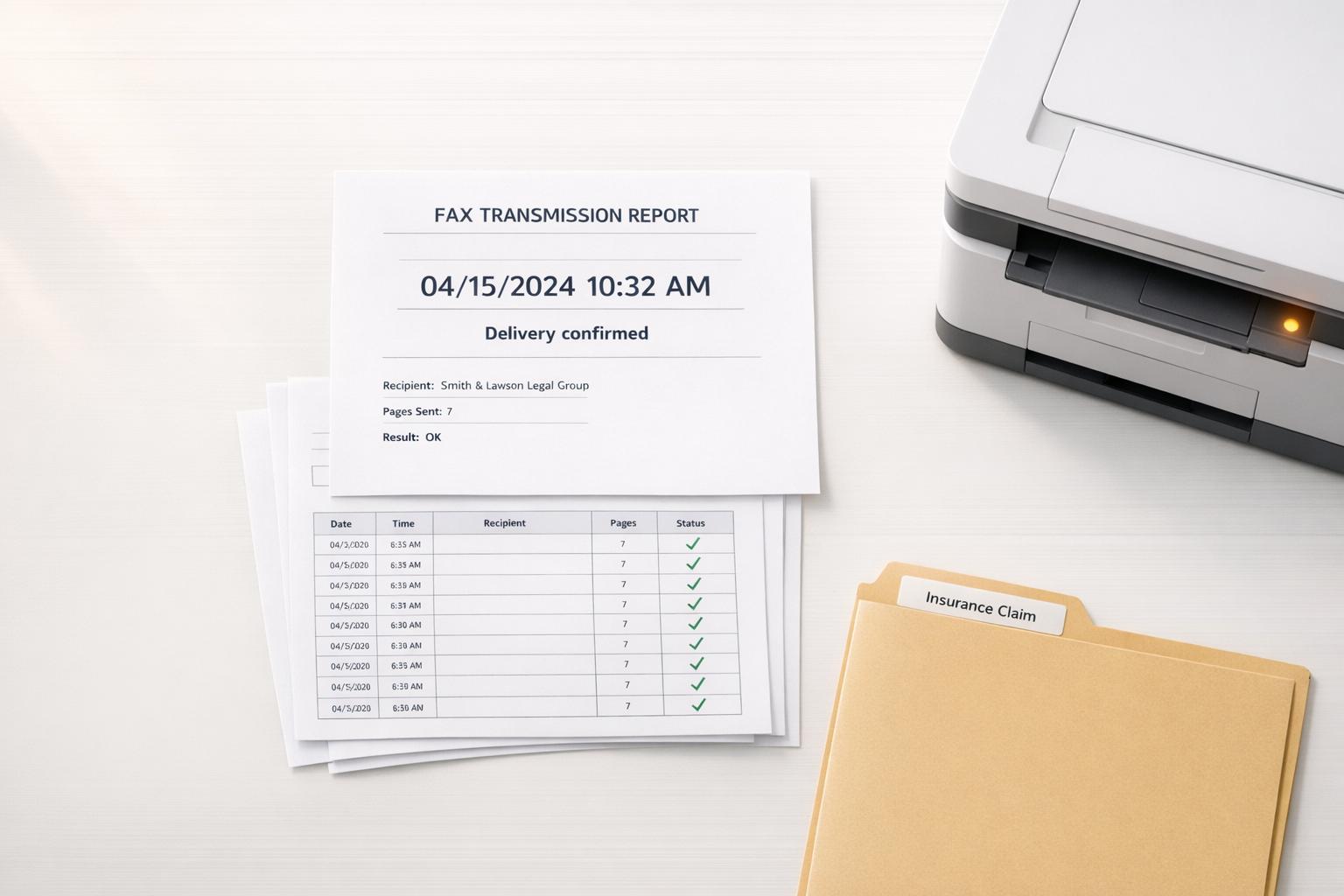
Timestamped fax reports and audit logs provide legally accepted proof of delivery for insurance claims, appeals, and court filings.

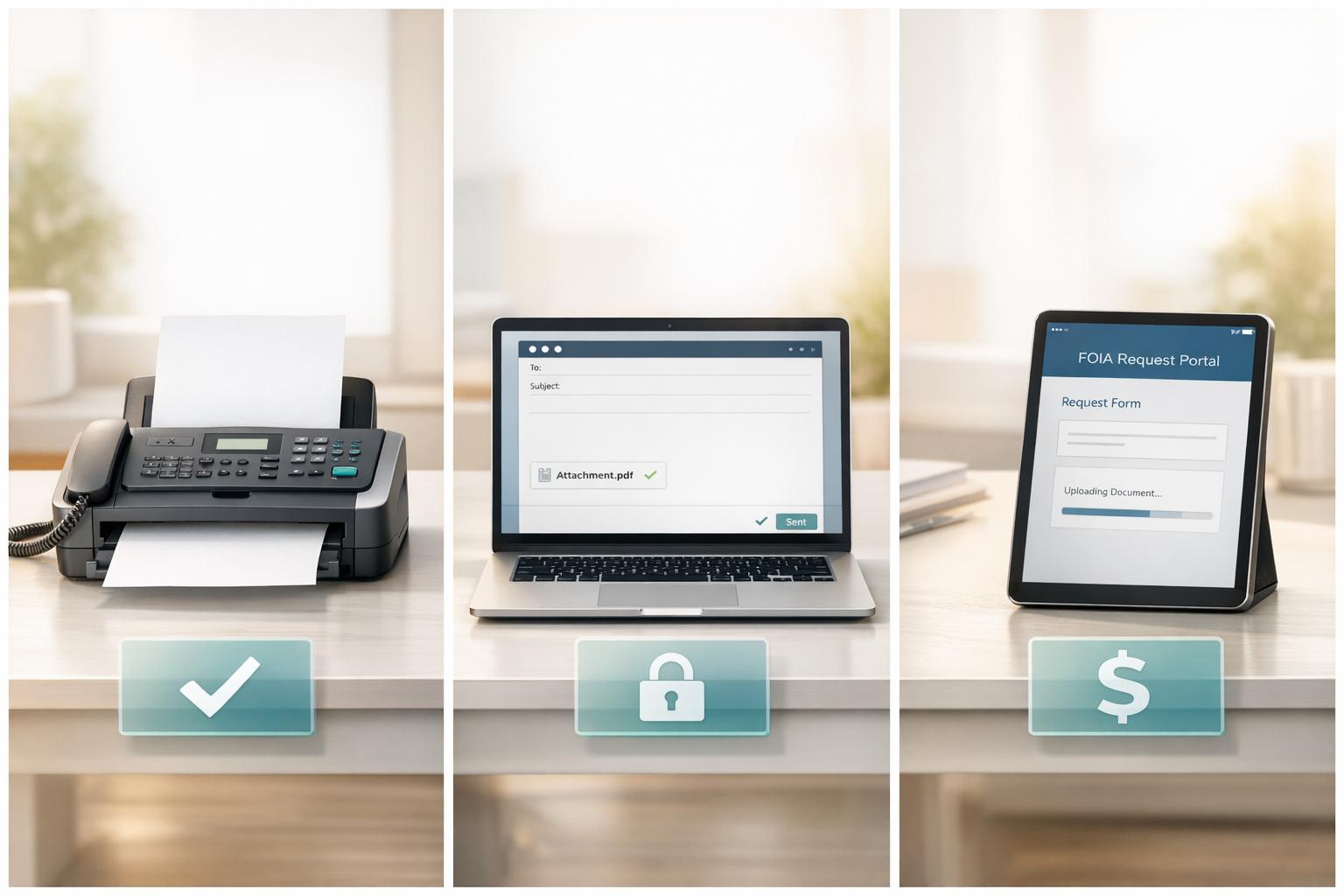
Compare fax, email, and portal FOIA submissions — proof of delivery, security, cost, and practical tips to pick the right method.

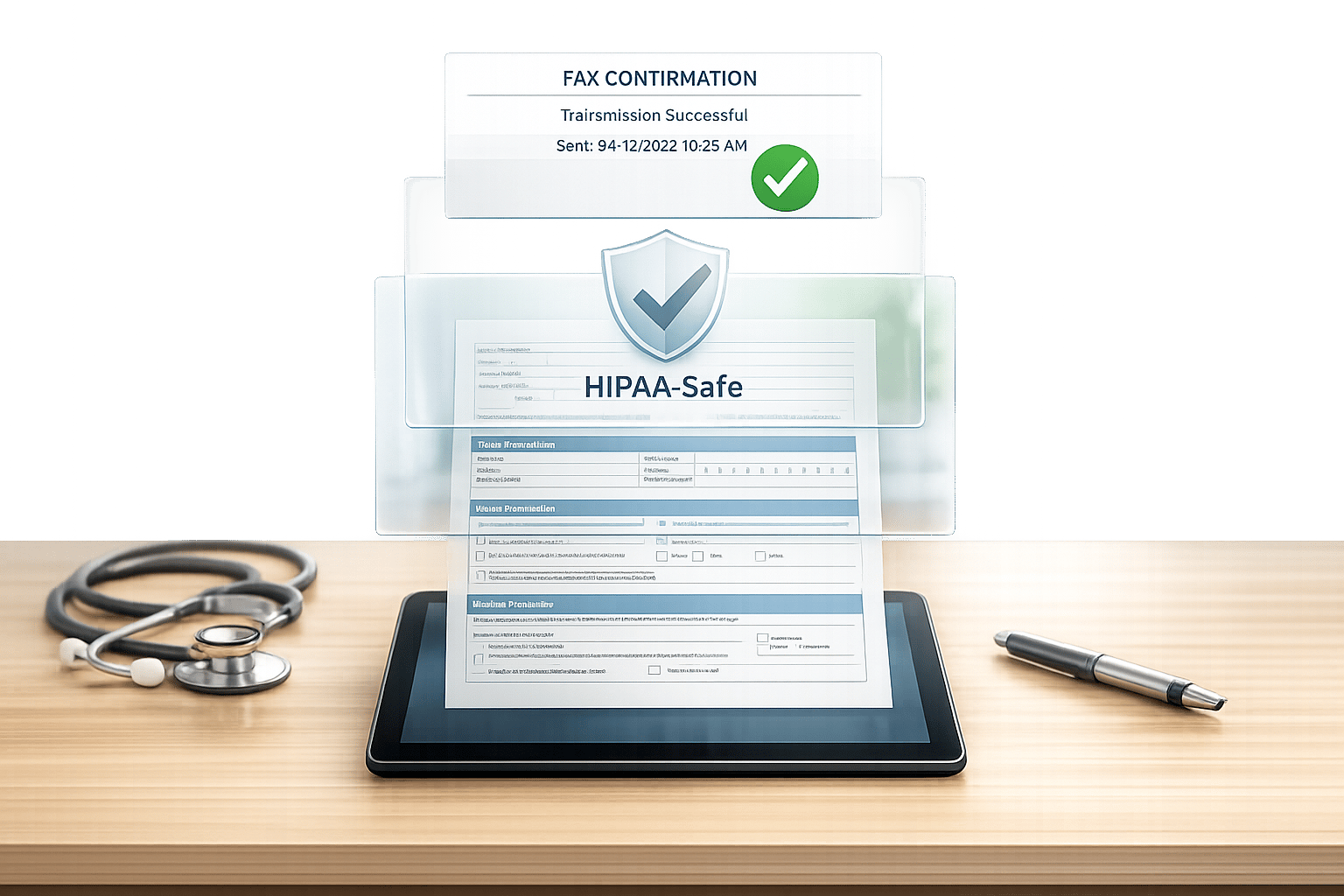
Clear steps for clinics to fax DMV vision and medical forms, including correct fax numbers, HIPAA-safe options, and proof of delivery.

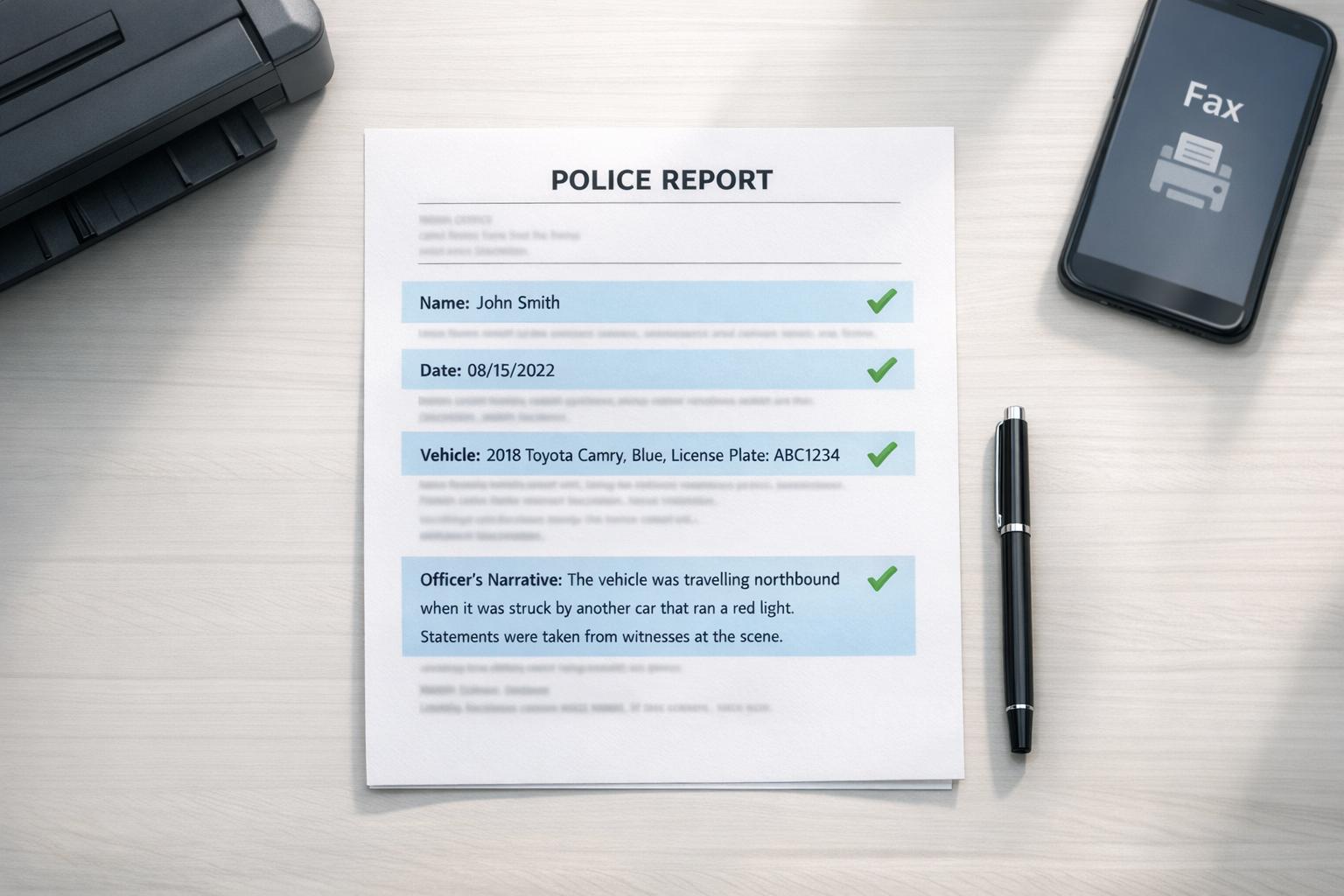
Step-by-step checklist to verify names, dates, vehicle details and the officer's narrative before securely faxing your police report.

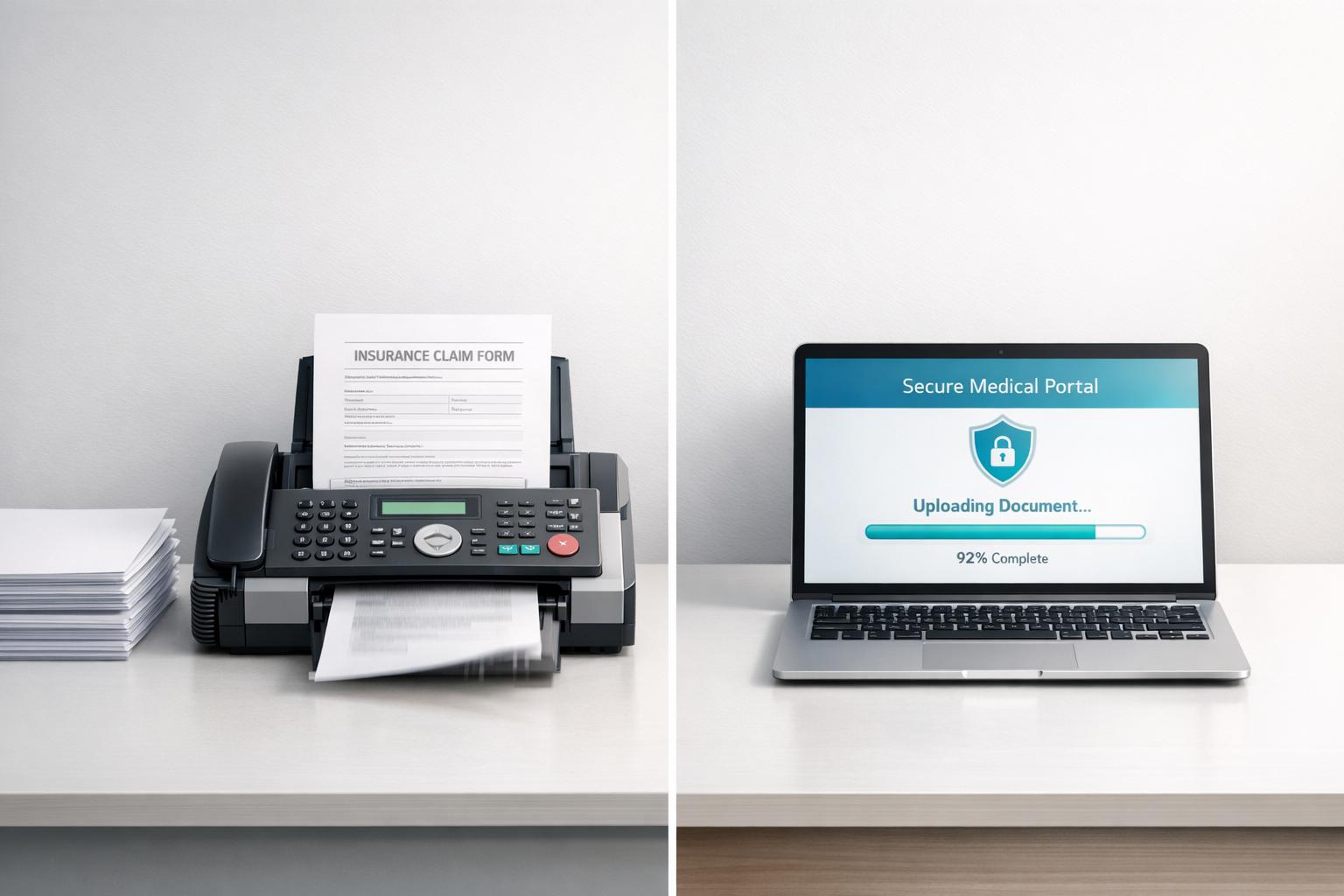
Compare portal uploads and faxing for insurance documents—speed, file limits, HIPAA compliance, and when each method is best.

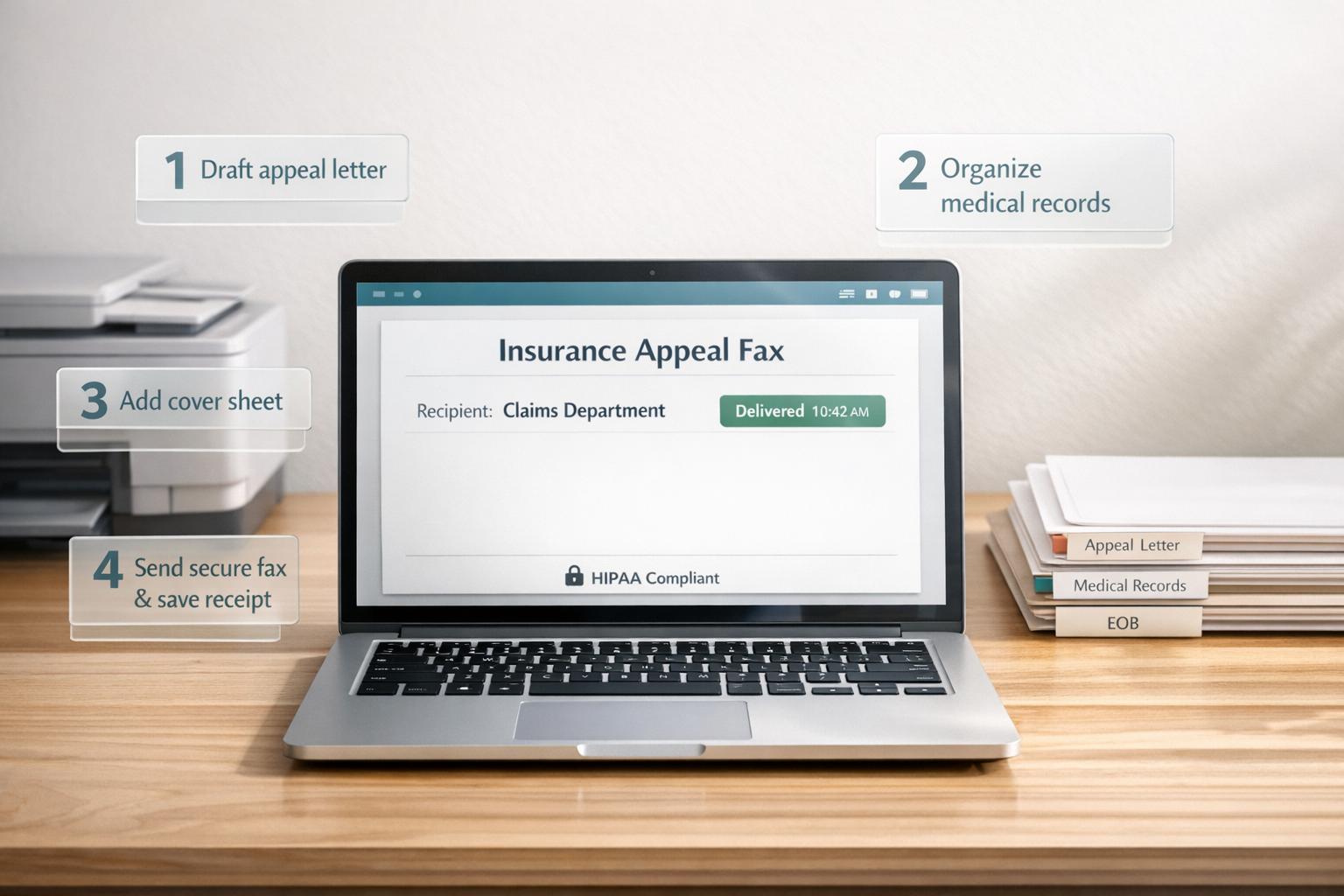
Step-by-step guide to drafting, organizing, and HIPAA-compliant faxing of insurance appeals and grievances with timestamped delivery proof.