Insurance Claims by Fax: What Carriers Still Require
Faxing remains a vital method for submitting insurance claims, balancing compliance with modern digital security solutions.
Insurance Claims by Fax: What Carriers Still Require
Even in 2025, faxing remains a key method for submitting insurance claims due to strict privacy regulations and security requirements. Despite the rise of digital platforms, insurers continue to rely on fax for its compliance with laws like HIPAA and its secure transmission of sensitive data. Modern online fax services offer features like encryption, audit trails, and data residency options, making them a practical choice for handling claims.
Key insights:
- Why fax is still used: Fax ensures compliance with federal/state regulations and provides secure document transmission.
- Major insurers and fax: Companies like Genworth, Esurance, AmeriTrust, and Unum still accept claims via fax, though specific details vary.
- Best practices: Use online fax services for convenience, security, and real-time tracking. Services like OneFaxNow offer pay-per-fax pricing, HIPAA compliance, and delivery confirmation.
- Cost comparison: Online faxing (e.g., OneFaxNow: $3.50–$5.00 per fax) is often cheaper than in-store options like FedEx.
Faxing may seem outdated, but it remains an effective and compliant way to handle insurance claims securely.
1. Genworth

Genworth Financial is a major player in the U.S. insurance market, specializing in long-term care and life insurance. Like many insurers, they adhere to strict compliance requirements, which often makes faxing a preferred method for document submission. However, Genworth does not publicly share specific details about its fax submission process, such as the types of claims accepted or the official fax numbers.
To ensure accuracy and avoid delays, policyholders are encouraged to review Genworth's official resources or get in touch with their customer service team for the most up-to-date fax submission instructions.
Now, let’s take a closer look at Esurance’s approach to fax submissions.
2. Esurance
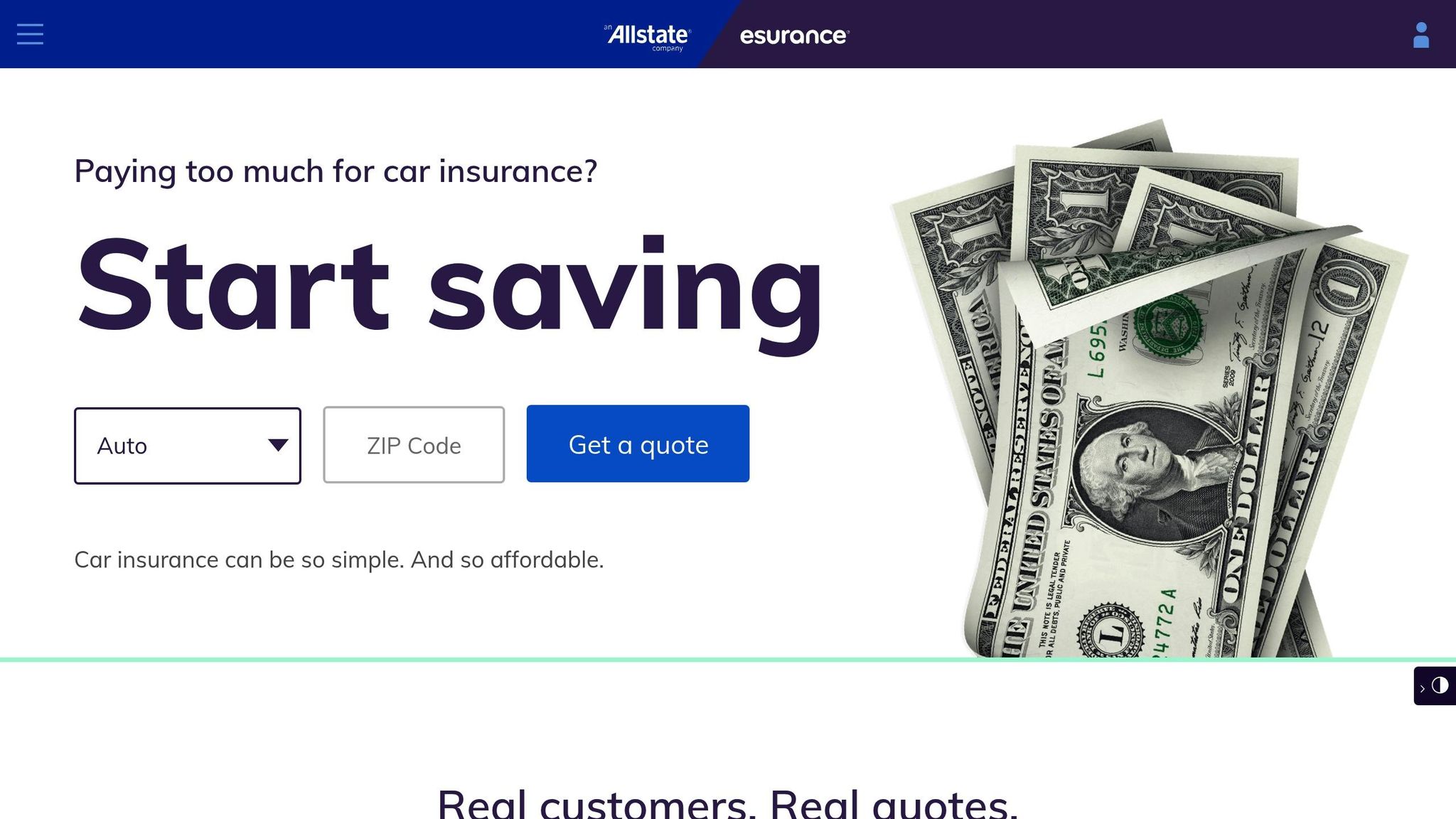
Esurance, a part of Allstate, has built its reputation around a digital-first approach to auto insurance. While this focus on online services is a key feature of the company, details about fax submissions remain unavailable to the public.
The company prioritizes digital claims processing, steering customers toward online platforms rather than traditional methods like fax. That said, Esurance does not provide official fax numbers for claims or specify which claim types, if any, can be handled via fax. This highlights the balancing act many insurers face between embracing digital innovation and meeting regulatory requirements that still recognize fax as a valid communication method.
How to Proceed if Faxing Is Necessary
If you need to submit a claim via fax, reaching out to Esurance customer service is your best bet. Their team can provide the most up-to-date information and guidance on how to proceed.
Next, we’ll take a closer look at AmeriTrust’s fax submission policies to see how they compare to Esurance’s digital-first strategy.
3. AmeriTrust
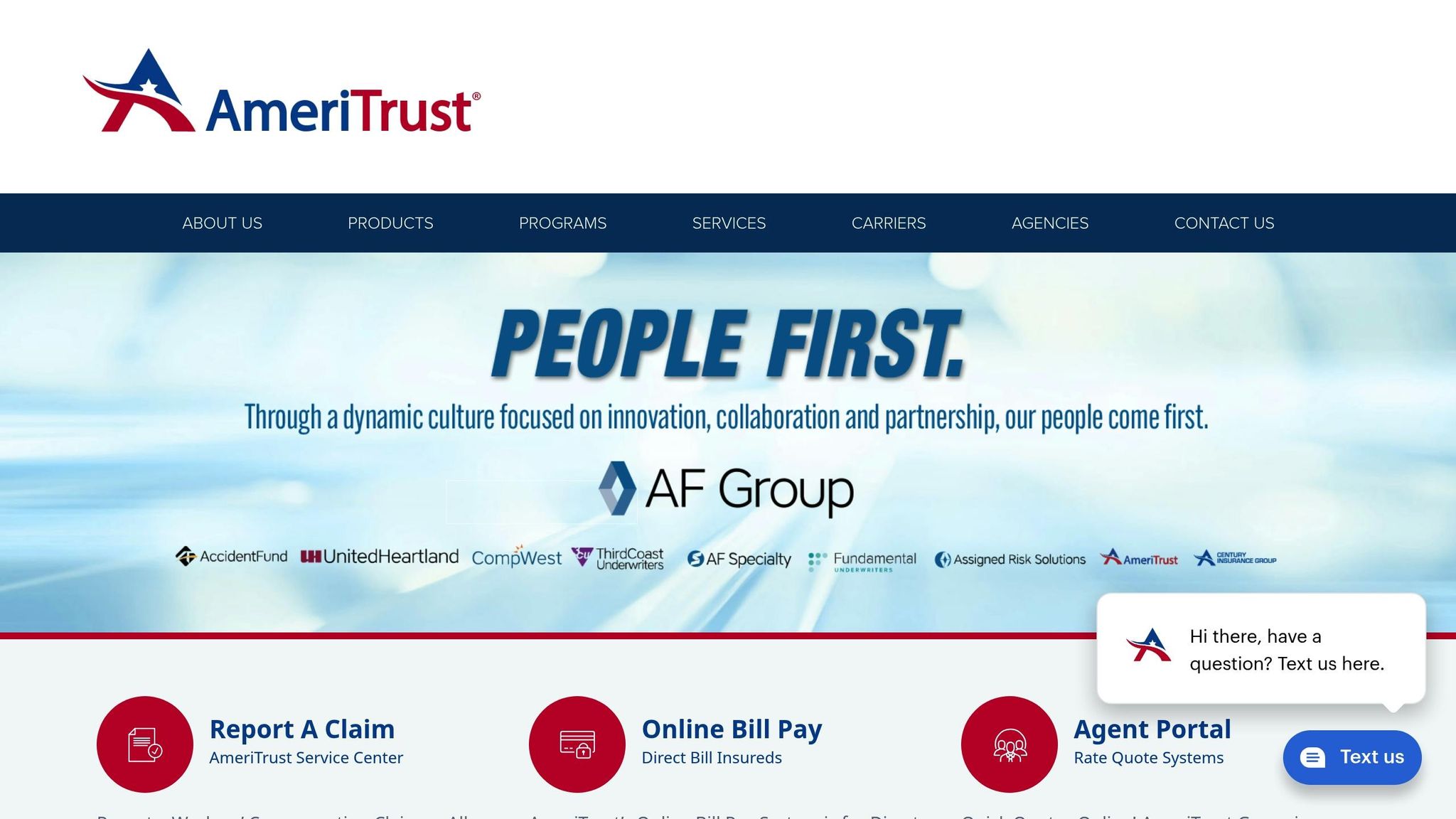
AmeriTrust Group doesn’t make its fax submission process for insurance claims very clear. Unlike some companies that have shifted entirely to digital processes, AmeriTrust doesn’t provide an official fax number for claim submissions on its website.
Official Fax Numbers
AmeriTrust does not publicly list a fax number for submitting claims. It’s also unclear if fax submissions are accepted for specific claim types.
Additional Guidance
Much like Esurance, AmeriTrust emphasizes customer service as the primary point of contact instead of openly sharing fax details. To send a fax, policyholders need to reach out to AmeriTrust’s customer service team to obtain the correct fax number and detailed instructions. If you’re using an online fax service, make sure your documents are properly tracked and you receive confirmation of delivery.
This lack of transparency differs from carriers like Unum, which provide straightforward fax submission guidelines - a topic we’ll explore in the next section.
4. Unum

Unum allows fax submissions for specific insurance claims. However, the exact details - like official fax numbers, submission procedures, and the types of claims accepted - can differ depending on your policy and location. To ensure accuracy, it's best to confirm these specifics through your account portal or by contacting customer service directly.
When sending sensitive information, such as medical records, make sure to use a fax service that complies with HIPAA standards to maintain privacy and security.
Up next, find out how to submit your claims by fax efficiently.
5. OneFaxNow
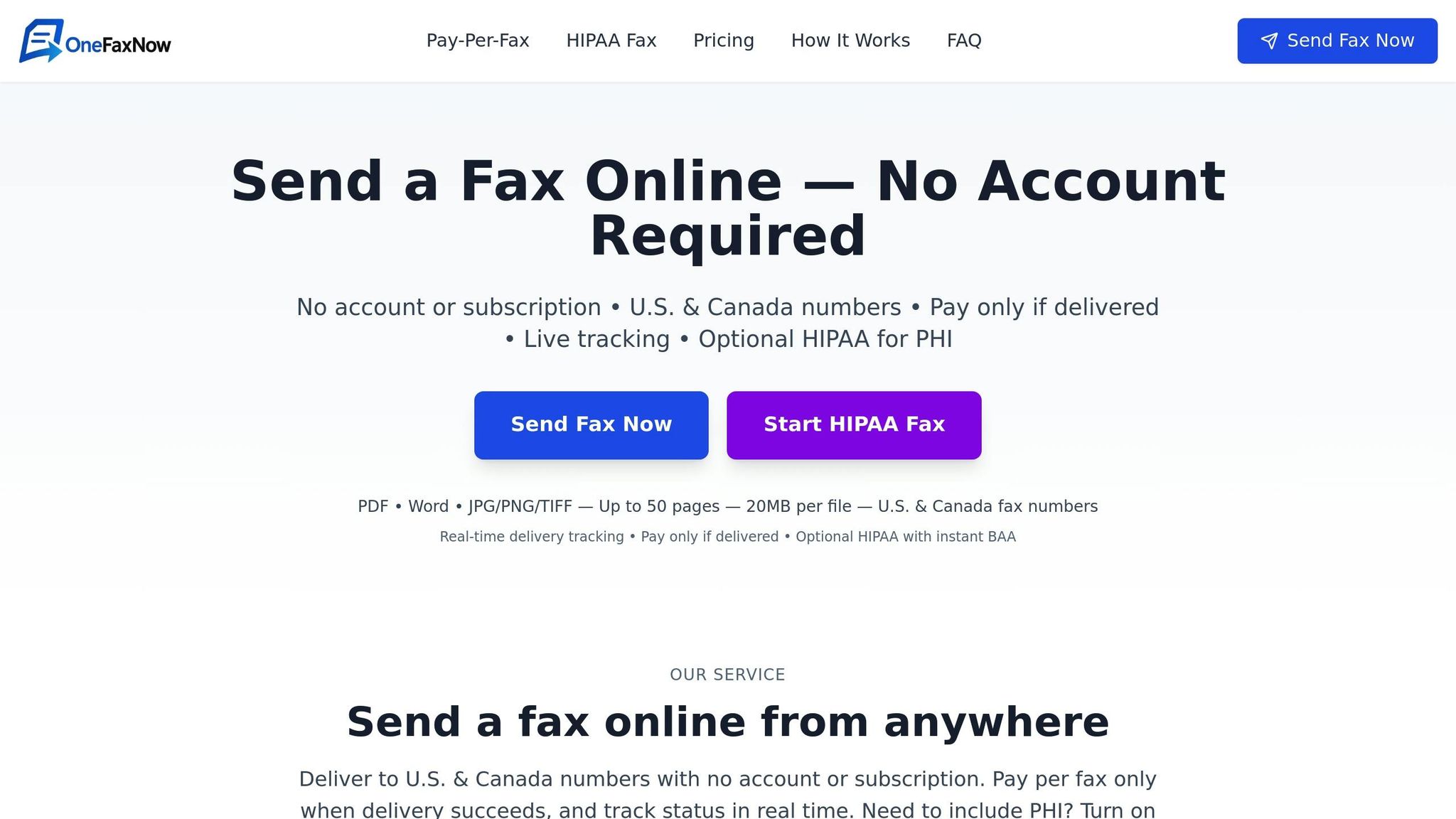
OneFaxNow offers a simple and efficient way to send insurance claims via fax - no account setup or subscription needed. Whether you're submitting claims, sending medical records, referrals, or other supporting documents, this service covers all your insurance-related faxing needs to any U.S. or Canadian fax number.
Supported Claim Types
OneFaxNow is designed to handle all types of insurance claim faxes, whether they need to go to carriers, agents, or healthcare providers. It supports various file formats, including PDF, Word documents (DOCX), images (JPG, JPEG, PNG), and TIFF files, making it highly versatile. You can send up to 50 pages in a single transmission, ensuring complete claim packets are sent without hassle. Plus, automatic retries and delivery tracking ensure your fax reaches its destination without unnecessary delays.
HIPAA Compliance and Privacy Features
For transmissions involving protected health information, OneFaxNow offers an optional HIPAA-compliant mode. This mode is available for a fee of $3.00 for Lite (1–10 pages) and $5.00 for Standard (11–50 pages). It ensures secure handling with enhanced protocols and detailed audit logging. The HIPAA option also includes instant Business Associate Agreement (BAA) generation through the compliance dashboard, so you can execute and download your BAA immediately.
All transmissions are encrypted, and the service follows a strict no-permanent-storage policy to safeguard sensitive information. For standard non-HIPAA faxes, pricing is $3.50 for 1–10 pages or $5.00 for 11–50 pages, with payment processed securely through Stripe only after successful delivery. Failed transmissions are retried up to three times, and a tracking link is provided for monitoring the delivery process.
Additional Features
OneFaxNow enhances user convenience with features like custom cover pages and detailed status emails that include job IDs for easy record-keeping. Its success-based payment model ensures you only pay when your fax is successfully delivered, eliminating the risk of paying for failed attempts. For organizations requiring ongoing compliance documentation, the HIPAA dashboard provides comprehensive audit logs for peace of mind.
Why Choose OneFaxNow for Insurance Claims?
OneFaxNow stands out as a reliable choice for insurance claim submissions. Its pay-per-fax model means you don’t need to sign up for subscriptions or create an account, and you’re only charged for successful deliveries. The optional HIPAA mode ensures secure and compliant handling of sensitive information, complete with instant BAA generation and detailed audit trails. With features like real-time tracking, automatic retries, and support for up to 50 pages per fax, OneFaxNow is well-equipped to handle the secure and timely transmission of insurance claims and supporting documents.
Send your fax online today - no account required. For secure, HIPAA-compliant faxing, explore the HIPAA Fax Options offered by OneFaxNow.
sbb-itb-0df24da
How to Submit Insurance Claims by Fax: Step-by-Step Tips
Submitting insurance claims by fax can be straightforward if you’re well-prepared. By following the right steps, you can ensure your claim reaches the insurance carrier quickly and includes all the necessary details for processing.
Get Your Documents Ready Digitally
Start by gathering all the required claim documents in digital format. Using an online fax service allows you to add digital signatures, eliminating the need for printing or scanning. This not only saves time but also ensures your documents are clean and easy to read for the insurance company.
Keep your documents organized in one place, whether on your computer or in cloud storage. This makes the submission process smoother and minimizes the risk of leaving out important paperwork. Once everything is ready, create a professional cover sheet to accompany your fax.
Make a Clear and Professional Cover Sheet
A well-prepared cover sheet is essential for smooth communication. Include your personal details, such as your full name, phone number, email address, and policy number. Use a clear and specific subject line like: "Insurance Claim for [Your Name/Policy Number]". This helps the insurance staff quickly identify and route your fax to the right department.
Add a short message explaining the purpose of your fax and any urgent requests for processing. A professional-looking cover sheet not only makes a good impression but also ensures your claim gets the attention it needs.
Double-Check Recipient Details
Before you hit send, confirm the fax number you’re using is correct. Insurance carriers often have different fax numbers based on the type of claim or the region it’s being sent from. You can usually find this information on claim forms or the carrier’s website. If you’re unsure, call customer service to verify the number.
Send Your Fax and Keep an Eye on It
Online fax services make it easy to send faxes directly from your computer, smartphone, or even email. If you’re using an email-to-fax service, you can track the status of your fax right from your inbox [1]. This real-time tracking feature is a handy way to confirm successful delivery without needing to make additional calls or wait for emails.
Save the delivery confirmation, which includes timestamps and recipient details, as proof that your claim was submitted. Insurance companies may ask for this documentation if there’s any question about when they received your claim. Keeping detailed records of your submission is crucial for avoiding disputes later on.
Follow Up After Sending
Allow 24 to 48 hours for the insurance company to process your fax before following up. When you do check in, provide your policy number and the date you sent the fax to help customer service locate your submission faster.
Maintain a record of all your fax transmissions, including confirmation receipts, timestamps, and any follow-up communications. These records can be invaluable if there are delays or if the carrier claims they didn’t receive your documents.
Protect Sensitive Information
When dealing with claims that include sensitive data, ensure your fax service meets strict security standards. Look for features like encryption and compliance with privacy regulations to keep your information safe. Some insurance companies may require specific security measures for fax submissions, so confirm these requirements before sending your documents.
Online Fax Services for Insurance Claims: OneFaxNow vs Other Options
When it comes to submitting insurance claims via fax, the choice of an online fax service can significantly impact costs, security, and reliability. Here's a breakdown of why OneFaxNow is a strong option for those with occasional claim submissions.
Pay-per-fax services like OneFaxNow are perfect for infrequent faxing needs. With OneFaxNow, you only pay when you send a fax: $3.50 for 1–10 pages and $5.00 for 11–50 pages. If you need HIPAA compliance, an additional $3.00 or $5.00 is added, depending on the page count.
Subscription-based services, such as Fax.Plus, require a monthly fee. Plans start at $6.99 for individuals and go up to $79.99 for enterprise-level solutions. While these plans are great for businesses with frequent faxing needs, they can be less economical for individuals who only need to send the occasional insurance claim.
Security and Compliance Considerations
Insurance claims often include sensitive personal and medical information, so security is a top priority. Fax.Plus meets high security standards with certifications, while OneFaxNow offers an optional HIPAA mode for enhanced compliance.
OneFaxNow's HIPAA mode is tailored for healthcare-related claims. It includes stricter handling protocols, audit logging, and the ability to instantly generate a Business Associate Agreement (BAA) through the dashboard. Additionally, OneFaxNow does not store faxes permanently, which helps minimize long-term security risks.
Delivery Tracking and Reliability
Timely and reliable delivery is critical for insurance claims. OneFaxNow provides real-time tracking through status emails, complete with a job ID and tracking link. Failed transmissions are retried up to three times, and payment is only processed if the fax is successfully delivered.
Fax.Plus also offers delivery tracking via email notifications [1]. However, subscription services charge a flat fee regardless of whether the fax is successfully delivered or not.
File Support and Ease of Use
Both services support common file formats needed for insurance submissions. OneFaxNow allows files up to 50 pages with a 20 MB size limit. While Fax.Plus is known for its user-friendly interface and extensive features [1], OneFaxNow focuses on simplicity. Users can send a fax in about 60 seconds without needing to create an account.
Cost Analysis for Insurance Claims
For individuals submitting occasional insurance claims, keeping costs low is essential. OneFaxNow stands out as the more budget-friendly option. For example, sending a 15-page insurance claim would cost $5.00 with OneFaxNow (or $10.00 with HIPAA compliance). In contrast, Fax.Plus requires a minimum monthly subscription of $6.99, regardless of how often you send faxes. However, for those who frequently submit multiple claims or manage claims for several family members, a subscription service might offer better value with unlimited sending within plan limits.
Why OneFaxNow is a great fit for insurance claims: OneFaxNow's pay-as-you-go pricing, payment upon successful delivery, and optional HIPAA compliance make it a secure and cost-effective choice for occasional claim submissions. Its straightforward approach provides a practical alternative to subscription-based services.
In-Store Faxing vs Online Fax Services for Insurance Claims
When submitting insurance claims via fax, you have two main options: in-store services like FedEx or UPS and online fax services. Let’s break down why online services, particularly OneFaxNow, stand out in terms of security, cost, and ease of use.
Convenience and Accessibility
Using in-store faxing means planning a trip to a FedEx or UPS location during business hours. You’ll need to print your forms, drive to the store, wait in line, and operate their fax machine. If you’re in a rush or have multiple claims to file, this process can be a hassle.
In contrast, online fax services let you handle everything from your computer, phone, or tablet - anytime, anywhere. With OneFaxNow, you can upload your documents and send a fax in under a minute, and you don’t even need to create an account. This flexibility is especially helpful for urgent claims or when managing insurance for multiple family members.
Privacy and Security Concerns
Insurance claims often include sensitive information like Social Security numbers, medical details, and financial data. In-store faxing can expose this information to others nearby, posing a privacy risk.
Online fax services take security to the next level with data encryption. OneFaxNow goes even further by avoiding permanent storage of your faxes, reducing long-term risks. For healthcare-related claims, OneFaxNow offers an optional HIPAA mode with stricter data handling, audit logs, and instant BAA generation right from the dashboard. These features ensure your information stays protected, especially for claims that must meet regulatory requirements.
Delivery Confirmation and Tracking
When you fax from a store, you’ll usually get a simple receipt confirming the fax was sent. However, there’s no way to know if the recipient actually received it.
With online fax services, tracking is much more reliable. As Fax.Plus explains:
"Keep track of sent faxes and their status right in your mailbox" [1].
OneFaxNow takes this further by providing real-time status updates via email, complete with a job ID and tracking link. If a fax fails, it’s automatically retried up to three times, and you’re only charged when the fax is successfully delivered. This "success-only" model ensures you’re not paying for failed attempts - a key advantage when filing time-sensitive claims.
Cost Comparison
In-store faxing can get pricey. At FedEx Office, it costs $2.00 for the first page and $1.00 for each additional page. A 10-page claim would run you $11.00, not including gas or parking.
With OneFaxNow, pricing is straightforward: $3.50 for 1-10 pages or $5.00 for 11-50 pages. Adding HIPAA compliance costs $3.00 or $5.00 extra, depending on the page count. So, a 10-page claim costs just $3.50 - or $6.50 with HIPAA compliance - making it a much more affordable option.
Advanced Features and Workflow Integration
In-store faxing offers only the basics: send a fax and get a receipt. There’s no way to customize cover sheets, add digital signatures, or integrate with digital workflows.
Online fax services, on the other hand, offer tools that make the process smoother. You can add custom cover sheets, sign documents digitally, and connect with cloud storage platforms. OneFaxNow supports multiple file formats and allows you to send up to 50 pages in one go, so you don’t have to worry about converting files or splitting up your claims.
Why OneFaxNow is the better choice for insurance claims: With its no-account setup, clear pricing, HIPAA compliance options, and reliable delivery tracking, OneFaxNow offers a safer, faster, and more convenient way to handle insurance claims. You skip the hassle of visiting a store while gaining advanced features designed to protect your sensitive information and streamline the submission process.
Conclusion
Faxing continues to play a crucial role for insurance carriers, driven by strict compliance and data security requirements. Whether it's handling Genworth's life insurance claims, Esurance's auto accident reports, AmeriTrust's disability benefits, or Unum's workers' compensation forms, a dependable fax system ensures claims are processed efficiently and accurately.
Secure fax services are vital for maintaining claim integrity, as they safeguard sensitive information during transmission. Online fax platforms offer advanced security features - like 256-bit AES encryption and compliance with HIPAA, SOC 2, GDPR, and CCPA standards - that keep confidential insurance data protected.
"Every fax you send and receive is safeguarded, ensuring your information remains protected and private." – Fax.Plus [1]
OneFaxNow stands out as a reliable and secure option for submitting claims. With no account setup required, straightforward pricing ($3.50 for 1–10 pages; $5.00 for 11–50 pages), and an optional HIPAA compliance mode, it offers an affordable and efficient solution for urgent needs. Its success-only payment model and instant BAA generation for healthcare-related claims further underscore its focus on secure and timely claim delivery. This blend of security, simplicity, and transparency makes it an ideal choice for the insurance industry.
Whether you're a policyholder filing a claim or a healthcare provider sharing patient information with insurers, selecting the right fax service ensures your sensitive data is protected and your claims are delivered promptly. The features discussed above highlight why a reliable fax solution remains indispensable for accurate and compliant insurance claim processing.
Send a Fax Online - No Account Required
FAQs
Why do some insurance companies still require fax for claim submissions?
Many insurance companies still stick with fax for claim submissions, and there’s a good reason for it. Faxing is seen as a dependable method that aligns with legal and regulatory requirements. Plus, when it comes to transmitting sensitive information, fax offers an edge over email - it's less prone to hacking or data breaches.
Another advantage is that fax preserves the original format of documents, ensuring they arrive exactly as sent, without any risk of alteration. For some insurers, fax also fits neatly into their existing systems, making it a convenient and efficient tool for handling claims. While digital solutions are gaining traction, fax remains a go-to choice for managing critical, time-sensitive paperwork.
What makes online fax services like OneFaxNow a secure option for submitting insurance claims?
Online fax services like OneFaxNow are equipped with security measures to safeguard sensitive information, making them a dependable option for transmitting insurance claims. One standout feature is OneFaxNow's optional HIPAA mode, which enforces stricter protocols to meet compliance standards for handling medical and insurance-related documents. For added assurance, users can instantly execute a Business Associate Agreement (BAA) directly through the dashboard, simplifying the process for those requiring HIPAA compliance.
To further enhance reliability, OneFaxNow offers real-time tracking, automatic retries, and success-only confirmations. These features work together to ensure your documents are delivered securely and efficiently, minimizing potential risks associated with sensitive data transmission.
What steps can I take to ensure my insurance claim is successfully submitted and processed via fax?
To make sure your insurance claim is processed smoothly when faxing, start by checking the insurance carrier's fax policy. While many major insurers still accept faxed claims, their specific requirements can differ. Always confirm the fax number provided by your insurer to avoid sending your documents to the wrong place.
When you’re ready to send your claim, use a reliable fax service to minimize the risk of transmission errors. Be sure to include all necessary forms and supporting documents, ensuring the pages are clear, legible, and in the correct order. Adding a cover sheet with your contact details and policy number can also help streamline the process. After sending, request a delivery confirmation or tracking link to verify the fax was successfully transmitted.
For added convenience, you might want to try an online fax service like OneFaxNow. It provides features like real-time delivery tracking, automatic retries, and billing only for successful transmissions, making the process easier and more transparent.