5 Best Online Fax Services for Small Business
Explore the top five online fax services for small businesses, comparing pricing models, compliance features, and delivery transparency.
5 Best Online Fax Services for Small Business
Online fax services are a modern alternative to traditional fax machines, offering convenience, cost savings, and compliance with industry regulations. Here’s a quick breakdown of the top five services for small businesses:
- OneFaxNow: Pay-per-fax pricing with no account required. Ideal for occasional users needing HIPAA compliance and clear delivery tracking.
- eFax: Subscription-based plans starting at $19.95/month. Suitable for regular faxing but costly for infrequent use.
- Fax.Plus: Flexible plans starting at $6.99/month, with strong security features and cloud integration.
- iFax: Subscription-only, designed for consistent faxing needs, but lacks upfront clarity on compliance.
- HelloFax/Dropbox Fax: Integrated with Dropbox, best for existing Dropbox users, but limited details on compliance and tracking.
Quick Comparison:
| Service | Pricing Model | HIPAA Compliance | Account Required | Best For |
|---|---|---|---|---|
| OneFaxNow | Pay-per-fax ($3.50–$5) | Optional | No | Occasional, compliant faxing |
| eFax | Subscription ($19.95+) | Available | Yes | Regular, high-volume faxing |
| Fax.Plus | Subscription ($6.99+) | Included | Yes | Teams needing integrations |
| iFax | Subscription ($8.99+) | Available | Yes | Moderate, consistent faxing |
| Dropbox Fax | Dropbox business plans | Not stated | Yes | Dropbox users |
For infrequent faxing, OneFaxNow stands out with its no-commitment pricing and compliance options. For regular, high-volume needs, Fax.Plus offers great flexibility and features. Choose based on your faxing frequency, compliance requirements, and budget.
1. OneFaxNow
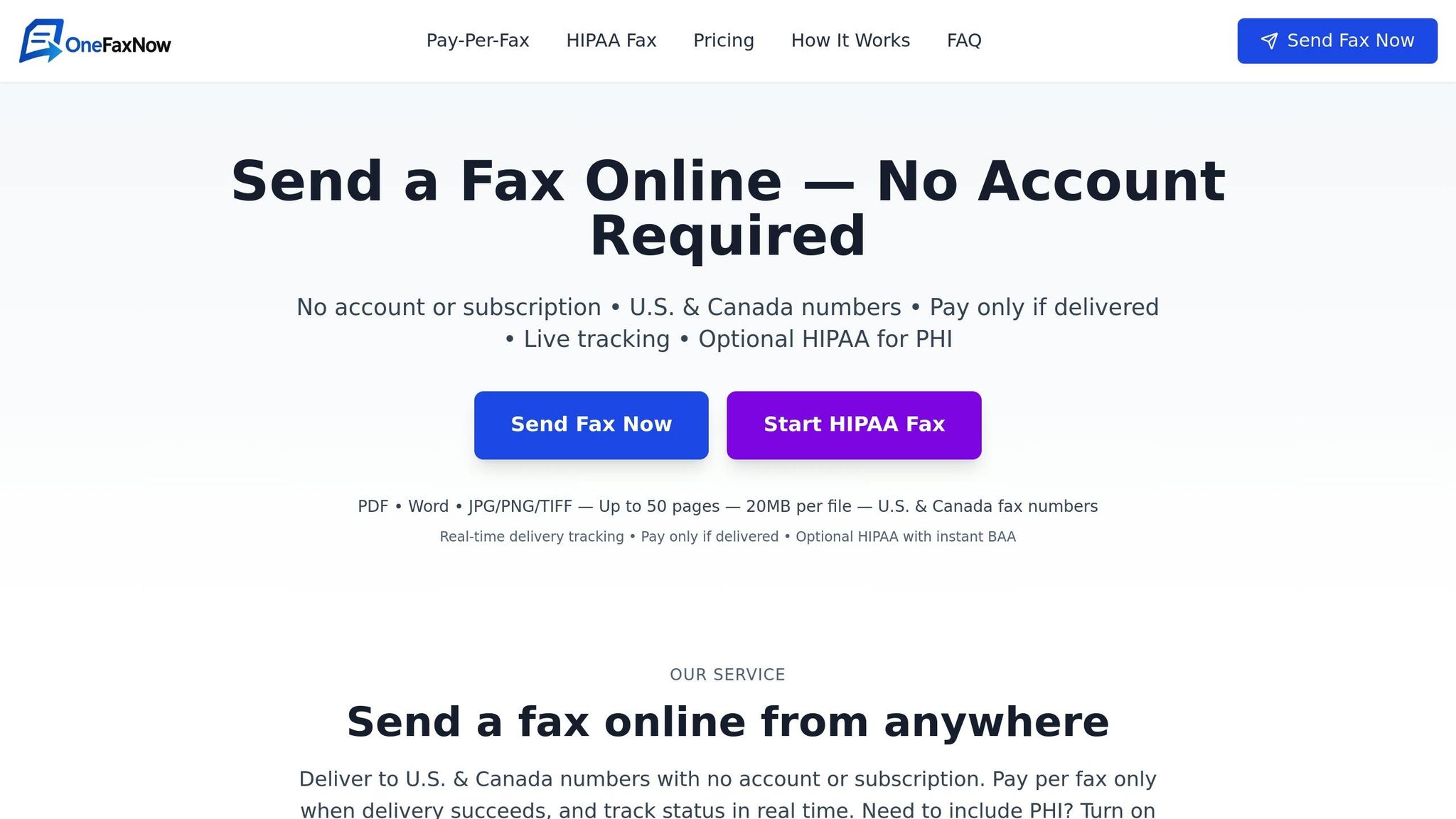
OneFaxNow keeps things simple and hassle-free: no account setup required, and it uses a clear pay-per-fax pricing model. You can send a fax in about 60 seconds by uploading your document, entering the recipient's fax number, and completing payment through Stripe. Available exclusively in the U.S. and Canada, it's perfect for urgent tasks like insurance claims, court filings, or medical record requests - without locking you into monthly subscriptions.
Pricing Model
OneFaxNow's pricing is refreshingly straightforward. It offers two tiers based on the length of your document:
- Lite Fax: $3.50 for documents with 1–10 pages.
- Standard Fax: $5.00 for documents with 11–50 pages.
No hidden fees, no surprises. Plus, their "success-only" billing policy ensures you’re charged only if the fax is successfully delivered. If the fax fails after automatic retries, you won’t pay a dime. For those in healthcare or legal professions needing HIPAA compliance, an optional add-on is available. It costs an extra $3.00 for Lite plans and $5.00 for Standard plans, making HIPAA-enabled faxes $6.50 and $10.00 respectively.
HIPAA Compliance
For professionals handling sensitive information, OneFaxNow offers an optional HIPAA-compliant mode. When enabled, the platform enforces stricter data protection measures and detailed audit logging to meet regulatory standards.
A standout feature is the ability to instantly generate a Business Associate Agreement (BAA) through the compliance dashboard. This is especially useful when you need to send sensitive data urgently and require compliance documentation upfront.
Delivery Transparency
OneFaxNow emphasizes clarity in delivery. After checkout, you’ll receive real-time status updates via email, complete with a unique job ID and tracking link to monitor your fax’s progress.
If a fax fails to send, the system automatically retries up to three times. Thanks to the success-only billing policy, you’re only charged when the fax is delivered successfully. If all attempts fail, you won’t be charged at all.
File Support & Limits
The platform supports a wide variety of file formats, including DOCX, PDF, TXT, JPG, JPEG, PNG, TIF, and TIFF. It can handle documents up to 50 pages, with a maximum individual file size of 20 MB.
To ensure security, all files are encrypted during transmission and are not stored permanently on OneFaxNow’s servers, aligning with best practices for secure communication.
Why Choose OneFaxNow for Small Business Faxing: With its no-account access, clear pay-per-use pricing, and optional HIPAA compliance, OneFaxNow is a great choice for small businesses with occasional but critical faxing needs. Whether you’re sending medical referrals, insurance claims, or legal documents, the success-only billing model ensures you only pay for what works - no wasted money on unused subscriptions.
2. eFax
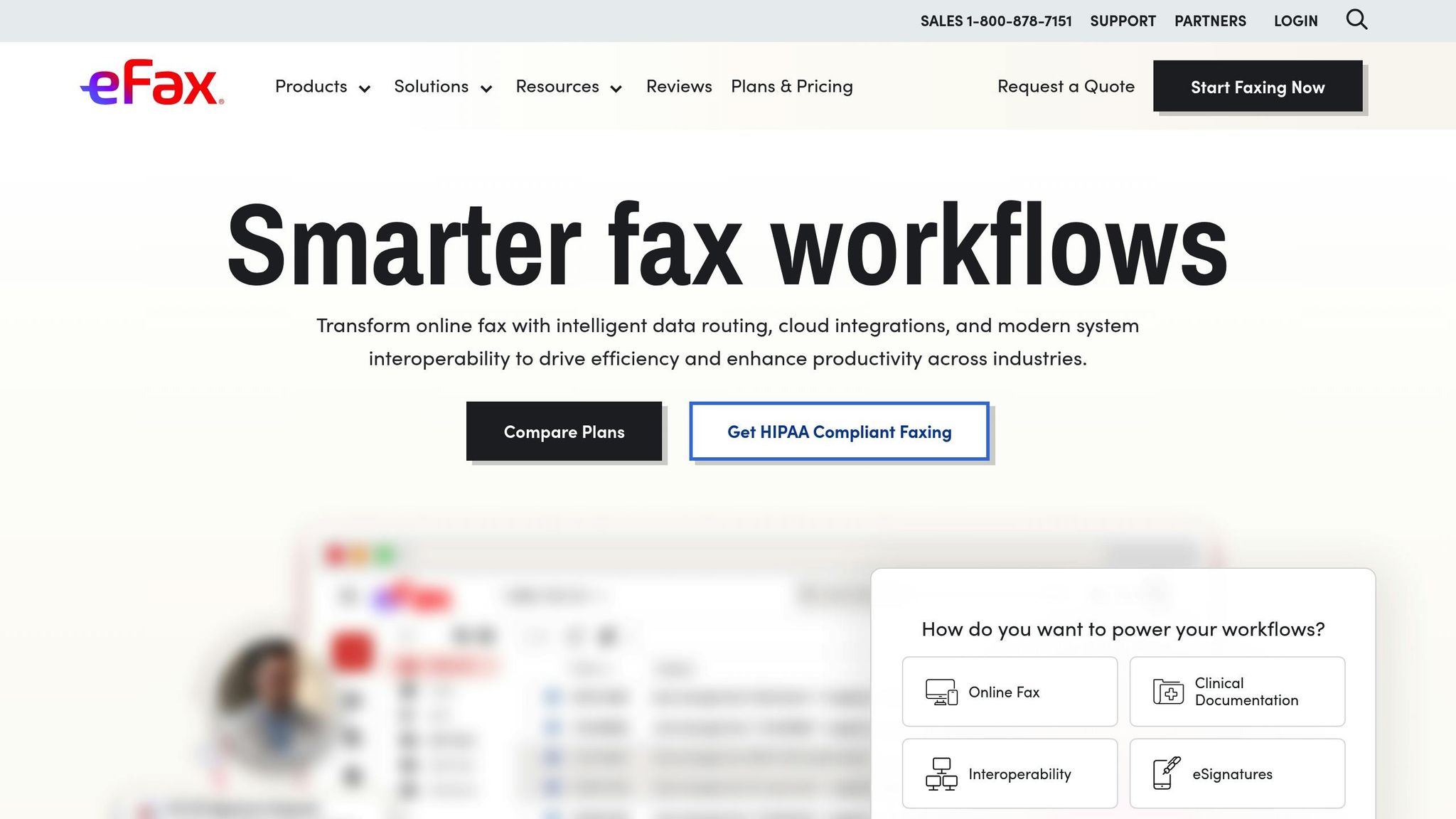
eFax runs on a subscription-based model, which means you need to create an account and pay monthly fees to use the service. This setup is ideal for businesses that fax regularly, but it can feel steep for those who only need to send a few documents now and then.
Pricing Model
eFax offers two subscription plans:
- Plus Plan: $19.95 per month for 150 pages, with extra pages costing $0.10 each.
- Pro Plan: $29.95 per month for 200 pages, with the same $0.10 charge for additional pages.
Both plans require a 12-month commitment, which can be a tough pill to swallow for users with occasional faxing needs. For instance, if you only need to send a five-page document, you’re still on the hook for the full monthly fee - making eFax pricier than pay-per-use services.
HIPAA Compliance
When it comes to HIPAA compliance, eFax leaves some questions unanswered. They don’t publicly share details about features like Business Associate Agreements (BAAs), extra costs, or how they handle sensitive data. If you’re in a field that depends on strict compliance, you’ll need to contact their sales team for clarity. This lack of upfront transparency might be a dealbreaker for organizations that require clear compliance measures from the start.
Delivery Transparency
eFax does offer basic email confirmations for sent faxes and will attempt redelivery if a fax fails. However, they don’t provide detailed tracking information or clearly outline the retry schedule, which could leave users in the dark about what’s happening with their documents.
File Support & Limits
The platform supports popular file types like PDF, DOC, DOCX, TXT, JPG, and TIFF, and can handle up to 50 pages in a single transmission. That said, the web interface feels outdated and involves extra steps for uploading files, which might frustrate users accustomed to the smooth workflows of modern cloud-based tools.
Why Small Businesses Might Look Elsewhere:
eFax’s subscription model and required long-term commitment can make it a costly choice for businesses that only fax occasionally. For example, small businesses that just need to send the occasional insurance form or vendor contract might find better value with pay-per-use alternatives. Up next, we’ll take a closer look at Fax.Plus to see how it compares.
3. Fax.Plus
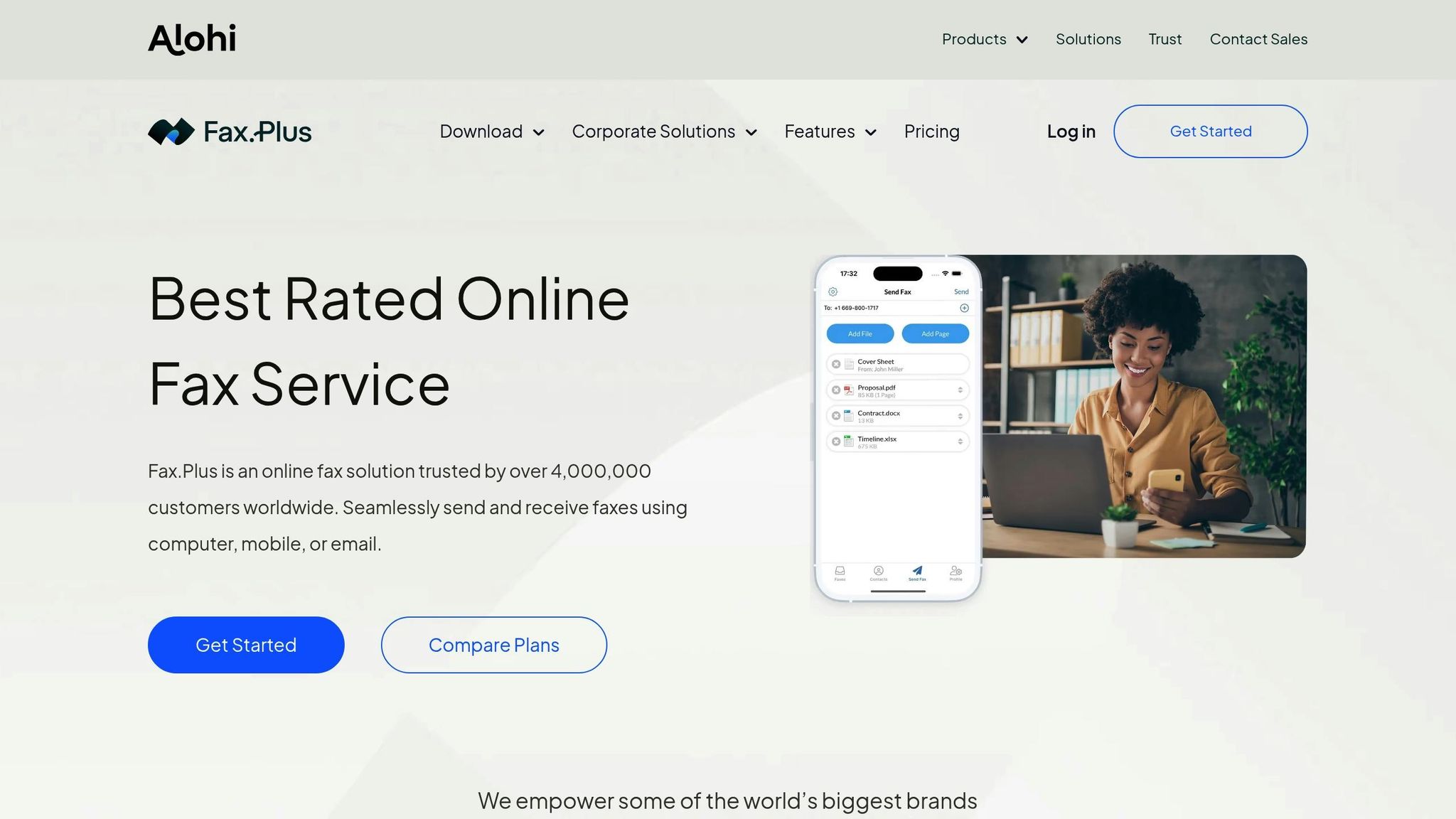
Fax.Plus stands out with its flexible, pay-as-you-go pricing model, catering to both occasional users and businesses with high faxing demands. It combines ease of use with strong security measures, making it a practical choice for small businesses.
Pricing Model
Fax.Plus offers a range of plans to suit different needs. The Individual plan costs $6.99, while Enterprise plans start at $79.99. For businesses with unique requirements, custom solutions are also available. This tiered approach allows small businesses to select a plan that matches their faxing needs without being locked into costly monthly subscriptions.
HIPAA Compliance
For businesses handling sensitive information, Fax.Plus meets HIPAA standards. The service employs 256-bit AES encryption to protect stored documents and TLS 1.2+ encryption for secure data transfers. Users can also choose from over 20 regions, including the United States, for data storage, helping them meet local data residency regulations. However, the platform doesn’t specify the costs for HIPAA-related features or mention Business Associate Agreements (BAAs) in its standard documentation.
Delivery Transparency
Fax.Plus ensures users can track their fax deliveries with ease. Email notifications provide updates on the status of sent faxes, confirming when documents are successfully delivered. However, the platform doesn’t publicly share details about retry schedules or more advanced tracking options.
File Support & Limits
Fax.Plus simplifies document management with features like cloud integration. Users can attach files directly from Google Drive or Dropbox, as well as upload them from their computer. It also includes a built-in eSigning tool, allowing users to sign documents within the faxing process - no need for separate signature apps. While these features enhance efficiency, specifics about supported file formats and page limits are not clearly outlined.
Why Small Businesses Choose Fax.Plus:
Fax.Plus is a go-to option for small businesses needing secure and straightforward faxing solutions. Its flexible pricing, HIPAA compliance, and tools like cloud storage integration and eSigning make it a practical choice for handling contracts or sensitive documents without the complexity of enterprise-level services.
Next, let’s take a closer look at iFax and see how it measures up in this competitive space.
4. iFax
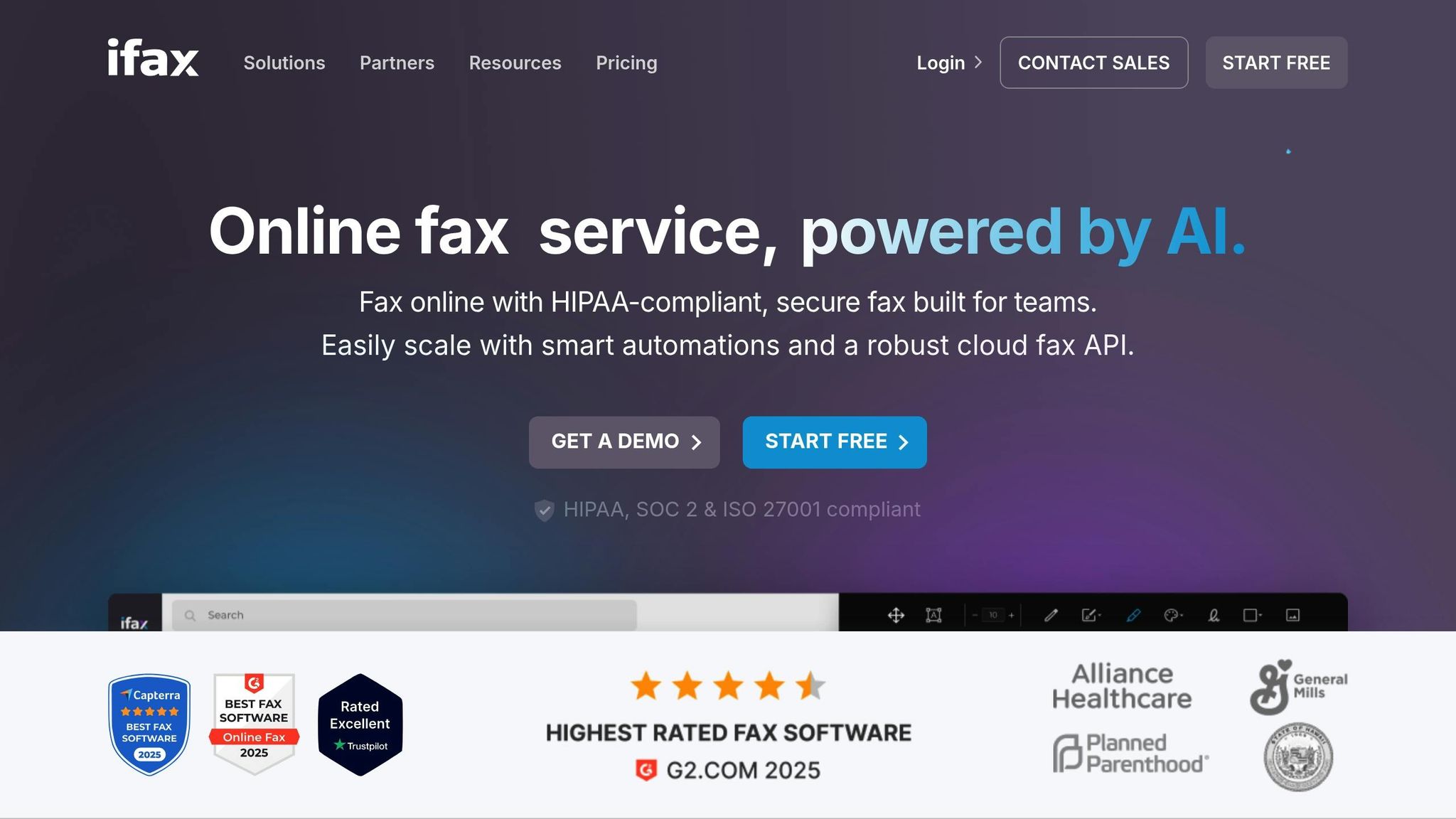
iFax presents itself as a modern solution for online faxing, focused on providing reliable document transmission. Its interface is designed to meet the needs of small businesses across different industries, aiming for a professional and efficient user experience.
Pricing Model
iFax operates on a subscription-based model, offering both monthly and annual plans. However, specific pricing details aren’t disclosed. This setup is ideal for businesses that handle a large volume of faxes regularly. On the other hand, occasional users might find pay-per-use options more suitable.
HIPAA Compliance
There is no clear information provided about iFax’s compliance with HIPAA regulations, the availability of Business Associate Agreements (BAAs), or its secure document handling practices. For confirmation, it’s best to contact iFax directly to clarify these critical aspects.
Delivery Transparency and File Support
iFax provides limited transparency when it comes to delivery tracking. To understand its fax confirmation process, retry policies, or audit trails, you’ll need to reach out to their support team. Similarly, details about supported file formats, maximum page limits, and size restrictions are not readily available and should be confirmed directly with iFax.
For businesses with consistent, high-volume faxing needs, iFax might be a viable option. However, its lack of upfront details about compliance, tracking, and file support means you’ll need to invest time in gathering information directly from the provider. This contrasts with other services that offer more transparent and detailed features upfront.
Next, let’s take a look at HelloFax/Dropbox Fax, which integrates cloud capabilities into the online faxing experience.
sbb-itb-0df24da
5. HelloFax/Dropbox Fax
HelloFax, now operating as Dropbox Fax, brings faxing capabilities directly into Dropbox's file management system. This setup works seamlessly for users already relying on Dropbox for document organization.
Here’s a closer look at what Dropbox Fax offers:
Pricing Model
Dropbox Fax is included as part of Dropbox's business plans, but there’s no stand-alone, pay-per-fax option. For small businesses that only need to send faxes occasionally, this lack of a pay-as-you-go model might feel limiting.
HIPAA Compliance
Details regarding HIPAA compliance, such as whether a Business Associate Agreement (BAA) is available, are not openly provided by Dropbox Fax.
Delivery Transparency
Dropbox Fax does not specify its policies on delivery notifications, tracking, or retry attempts for failed transmissions in its documentation.
File Support & Limits
Dropbox Fax works with common file types like PDFs and DOCX documents. However, information about limits on page numbers, file sizes, or transmission speeds is not disclosed.
Why OneFaxNow Could Be a Better Fit for Small Businesses:
While Dropbox Fax is convenient for teams already using Dropbox, it may fall short for small businesses seeking straightforward pricing and clear compliance options. OneFaxNow stands out by offering transparent pay-per-fax rates and immediate BAA agreements, all without requiring an account.
Below is a comparison to help you evaluate how Dropbox Fax measures up against other services.
Service Comparison: Strengths and Weaknesses
Let’s dive deeper into how these services stack up based on the key factors that matter most to small businesses.
| Service | Pricing Model | HIPAA Compliance | Account Required | Best For |
|---|---|---|---|---|
| OneFaxNow | Pay-per-fax: $3.50 (1–10 pages), $5.00 (11–50 pages) | Optional HIPAA mode (+$3–$5), instant BAA execution | No | One-time faxing, healthcare, legal |
| eFax | Subscription-based: $16.95–$35.95/month | Available with enterprise plans | Yes | Regular fax users with consistent volume |
| Fax.Plus | Subscription: $6.99–$79.99/month | HIPAA, SOC 2, ISO 27001 certified | Yes | Teams needing integrations and mobile access |
| iFax | Subscription: $8.99–$25.99/month | HIPAA compliance available | Yes | Small businesses with moderate fax needs |
| Dropbox Fax | Included with Dropbox business plans | Not publicly stated | Yes (Dropbox account) | Existing Dropbox users |
Pricing Transparency and Value
OneFaxNow’s pay-per-fax model stands out for users who only need to fax occasionally, as it avoids long-term subscription costs. This makes it especially appealing for those with sporadic faxing needs. On the other hand, subscription-based services like Fax.Plus, starting at $6.99/month, can offer better value for businesses with higher or regular fax volumes. However, the lack of clarity on page limits in some plans can make it harder to determine the best fit for specific usage patterns. iFax and Dropbox Fax, while subscription-based, may not be as cost-effective for users during months of low or no fax activity.
HIPAA Compliance and Security
For industries like healthcare and legal, HIPAA compliance is non-negotiable. OneFaxNow simplifies this by offering an optional HIPAA mode with instant BAA execution, ensuring quick and compliant setup.
Fax.Plus goes a step further with certifications like SOC 2 and ISO 27001, alongside 256-bit AES encryption and data residency options in over 20 regions. Meanwhile, eFax and iFax provide HIPAA compliance but only with their higher-tier plans. Dropbox Fax, however, does not clearly outline its HIPAA compliance capabilities, which may raise concerns for users in regulated industries.
Ease of Use and Account Requirements
OneFaxNow is ideal for users who want a hassle-free experience. It allows you to send faxes without the need to create an account - just upload your file, enter the fax number, and pay. This simplicity makes it perfect for occasional users or one-off faxing needs.
In contrast, services like Fax.Plus require an account but offer additional features like fax history, contact management, and file attachments from platforms like Google Drive or Dropbox. Fax.Plus also includes digital signature functionality, which can streamline document handling for frequent users.
Mobile and Cross-Platform Support
Fax.Plus shines when it comes to mobile and cross-platform functionality. It works seamlessly across computers, mobile devices, and email, allowing users to send and manage faxes from virtually anywhere. On the other hand, OneFaxNow doesn’t have a dedicated mobile app but compensates with a mobile-optimized web interface, enabling you to send faxes from any device without downloading extra software.
Delivery Tracking and Reliability
OneFaxNow ensures reliability by offering real-time tracking with job IDs and automatic retries (up to three attempts) for failed faxes. Plus, you’re only charged if the fax is successfully delivered, so you never pay for a failed attempt.
Fax.Plus also provides delivery tracking, allowing users to monitor fax statuses directly through email. While other services offer basic delivery confirmations, the details of retry policies and tracking features can vary between providers.
File Support and Limitations
OneFaxNow supports a wide range of file types and allows for uploads of up to 50 pages or 20 MB, making it a flexible choice for most faxing needs. Fax.Plus, with its support for multiple file formats and built-in digital signature features, reduces the hassle of printing, signing, and scanning documents before sending them.
Ultimately, OneFaxNow stands out for occasional faxing without the burden of subscriptions, while services like Fax.Plus are better suited for teams with consistent faxing needs and a preference for integrations and advanced features.
Final Recommendations
After carefully comparing the options, here's a quick guide to help you choose the right service:
Recommendations
For Occasional Faxing and One-Time Needs:
If you only send a few faxes per month, OneFaxNow is a straightforward choice. Its pay-per-fax model is perfect for small businesses handling occasional tasks like insurance forms, legal documents, or medical records - no account needed.
For Healthcare and Legal Compliance:
When HIPAA compliance is a must, OneFaxNow offers an optional HIPAA mode with instant BAA generation. On the other hand, Fax.Plus provides robust security certifications, making it a strong option for industries with strict compliance requirements and consistent faxing needs.
For Regular Business Faxing:
For businesses with steady faxing demands, Fax.Plus's Individual plan is a great fit. It’s designed for teams that also need file management integrations to streamline their workflows.
For High-Volume and Team Workflows:
If your business handles large fax volumes or operates with multiple team members, Fax.Plus's Enterprise plan offers advanced features like corporate admin panels, API integration, and Zapier connectivity to automate processes and simplify team collaboration [1].
For Users of Dropbox Integrations:
HelloFax/Dropbox Fax is a good option for those who rely heavily on Dropbox for file management. However, its unclear HIPAA compliance makes it less suitable for healthcare or legal industries.
Affordable Option:
For immediate, occasional faxing, start with OneFaxNow. If your faxing needs grow beyond 10-15 pages per month, switching to a subscription-based plan may save you money in the long run. Choose a service that aligns with your usage and ensures compliance from the start.
Ready to send your first fax?
Send a Fax Online - No Account Required | Learn About HIPAA Fax Compliance
FAQs
What are the key benefits of using an online fax service instead of a traditional fax machine for small businesses?
Online fax services offer small businesses several compelling benefits compared to traditional fax machines:
- Convenience: Send and receive faxes effortlessly from virtually anywhere using a computer, smartphone, or even email. This makes it easy to handle important documents while on the move.
- Lower Costs: Say goodbye to bulky fax machines, endless paper supplies, and maintenance fees. Online faxing significantly cuts both upfront costs and ongoing expenses.
- Enhanced Security: Many services include advanced encryption and meet strict regulations like HIPAA, ensuring that sensitive documents remain protected.
By simplifying the faxing process and cutting unnecessary costs, online fax services provide an efficient and modern communication tool for small businesses.
How does OneFaxNow protect sensitive documents and ensure compliance for industries like healthcare and legal?
OneFaxNow places a strong emphasis on security and compliance, offering an optional HIPAA mode tailored for managing sensitive documents with extra care. This mode includes features such as audit-ready processes and the ability to instantly sign a Business Associate Agreement (BAA) directly through the dashboard. These tools help ensure that legal and healthcare workflows align with regulatory standards.
The platform also provides real-time tracking, automatic retries, and secure document storage, making it easy to handle sensitive information responsibly and transparently. These capabilities make OneFaxNow a reliable option for industries that demand strict compliance measures.
What should small businesses consider when deciding between pay-per-fax and subscription-based online fax services?
When deciding between pay-per-fax and subscription-based fax services, small businesses need to think about how often they actually send faxes. If faxing is something you do only once in a while, a pay-per-fax option could be a smart way to avoid monthly fees. But if faxing is part of your daily or weekly routine, a subscription plan might be the better deal, offering consistent costs each month.
It's also important to weigh other factors like your budget, the volume of documents you handle, and any specific needs such as HIPAA compliance or real-time tracking features. Taking the time to compare pricing structures and what each service includes can help you find a solution that's both affordable and secure for your business.