Online Fax vs Traditional Fax: Which is Better?
Explore the key differences between online and traditional faxing, focusing on cost, security, and efficiency for modern business needs.
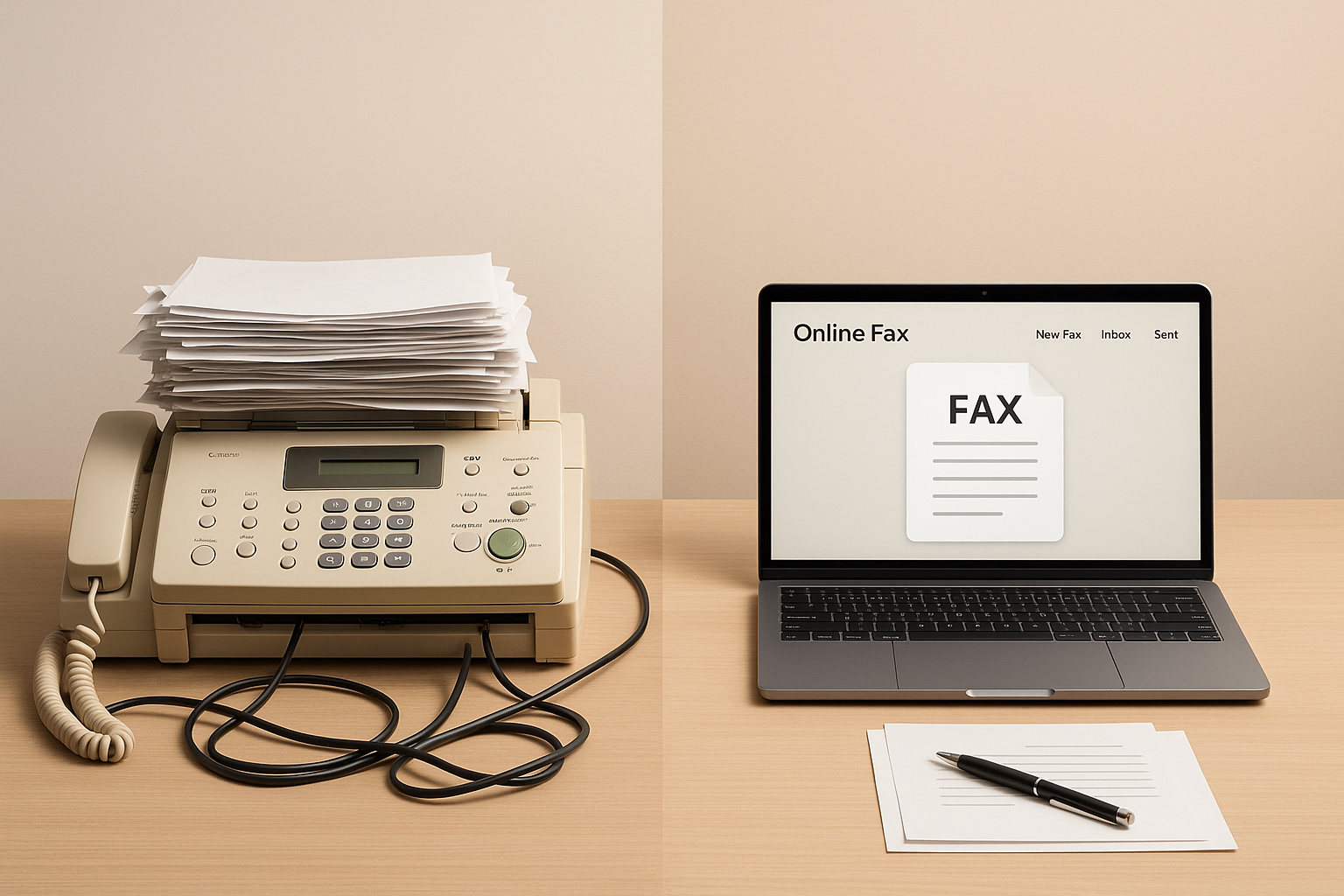
Online Fax vs Traditional Fax: Which is Better?
In today’s world, faxing is still a key tool in industries like healthcare, legal, and government. But choosing between online faxing and traditional faxing can be tricky. Here’s the quick takeaway:
- Online Faxing: Send and receive faxes digitally via email, smartphones, or computers. It’s faster, more secure (with encryption), and doesn’t require bulky equipment or paper. Costs are flexible, with pay-per-fax or subscription models.
- Traditional Faxing: Uses physical fax machines and phone lines. While reliable in areas with limited internet, it’s slower, less secure, and comes with hidden costs like maintenance, paper, and toner.
Quick Comparison
| Feature | Online Faxing (e.g., OneFaxNow) | Traditional Faxing |
|---|---|---|
| Cost | Pay-per-fax or subscription | Equipment + phone line |
| Security | Encrypted (HIPAA-compliant) | Analog, no encryption |
| Ease of Use | 24/7 access, mobile-friendly | Office hours, manual |
| Setup | Instant (no account needed) | Requires hardware setup |
| Best For | Compliance-heavy industries | Limited internet access |
If you value speed, security, and flexibility, online faxing is the way forward. But for locations with poor internet or legacy systems, physical fax machines still work. Keep reading to dive deeper into costs, security, and workflow efficiency.
Cost and Pricing Models
Faxing expenses go beyond just the initial setup. Both online and traditional faxing have unique pricing structures that can influence your budget over time, particularly when factoring in additional fees and recurring costs. Let’s break down these models to better understand why digital solutions like OneFaxNow can be a more budget-friendly option.
Online Fax Pricing Breakdown
Online fax services typically offer two pricing approaches: pay-per-fax or monthly subscriptions. The pay-per-fax model works best for those with occasional faxing needs, while subscription plans are more suited for frequent users.
OneFaxNow uses a straightforward pay-per-fax model with no account setup required. Here’s how their pricing works:
- Lite Fax: $3.50 for 1–10 pages
- Standard Fax: $5.00 for 11–50 pages
For healthcare organizations requiring HIPAA compliance, there’s an additional fee of $3.00 (Lite) or $5.00 (Standard), bringing the total to $6.50 and $10.00, respectively. These plans include features like automatic retries, real-time tracking, and charges only for successfully sent faxes.
On the other hand, many competitors rely on subscription models. For instance, Fax.Plus offers plans starting at $6.99 per month for individuals and $79.99 per month for enterprise users. Paid plans also come with a 30-day free trial of their e-signature tool, Sign.Plus, but continuing to use this feature after the trial may result in extra charges.
Traditional Fax Cost Analysis
Traditional faxing involves upfront costs for equipment and ongoing operational expenses. This typically includes:
- Buying a fax machine
- Setting up a dedicated phone line
- Purchasing supplies like paper and toner
These costs can vary widely depending on the equipment and usage. Additionally, there are less predictable expenses like maintenance or repairs. Unlike online services, traditional faxing costs are rarely disclosed publicly.
For occasional users, in-store faxing (e.g., at FedEx or UPS) is another option, though it charges per page and requires a physical visit.
Cost Comparison Table: Online vs. Traditional Fax
Here’s a side-by-side look at costs to highlight the transparency of online options compared to traditional methods:
| Method | 1–10 Pages | 11–50 Pages | Monthly Fixed Costs | Hidden Fees |
|---|---|---|---|---|
| OneFaxNow | $3.50 | $5.00 | None | None |
| Fax.Plus | Included in the plan | Included in the plan | From $6.99 (Individual Plan) | Possible e-signature fees after 30 days |
| Traditional Fax | Not disclosed | Not disclosed | Not disclosed | Varies (e.g., supplies, maintenance, phone line) |
| FedEx/UPS In-Store | Not disclosed | Not disclosed | None | Requires a physical visit |
While the exact costs depend on your specific needs, online fax services like OneFaxNow stand out for their clear and flexible pricing. They’re especially appealing to users who only fax occasionally and want to avoid monthly commitments.
Why choose OneFaxNow? With its pay-per-fax structure and no hidden fees, OneFaxNow is a smart choice for small businesses, healthcare practices, and anyone with unpredictable faxing needs.
Security and Compliance: Which is Safer?
When it comes to handling sensitive documents, security isn't just a bonus - it’s often legally mandated. Healthcare providers must meet HIPAA requirements, while legal firms are bound to protect attorney-client privilege. The security measures in online faxing and traditional faxing differ significantly, especially when it comes to compliance and safeguarding communications. Let’s break it down.
Online Fax and HIPAA Compliance
Modern online fax services, like OneFaxNow, go beyond the capabilities of traditional faxing by using advanced encryption protocols. OneFaxNow offers a HIPAA mode that upgrades its standard service into a compliance-ready system with enhanced security measures and detailed audit logging.
In HIPAA mode, OneFaxNow employs 256-bit AES encryption for stored data and TLS encryption for transmissions. It also provides an instant Business Associate Agreement (BAA) through its dashboard, along with detailed audit logs that track sender information, delivery times, and status updates.
Security Risks with Traditional Fax Machines
Traditional fax machines come with their own set of challenges, many of which are difficult to address using modern security technologies. Physical document interception is a major concern - sensitive faxes left in output trays can easily fall into the wrong hands.
Additionally, many traditional fax machines store copies of sent and received documents on internal hard drives. To meet HIPAA standards, organizations often need to implement extra safeguards, such as securing fax machines in restricted areas, maintaining detailed access logs, and regularly wiping hard drives. These measures can drive up compliance costs and complicate daily operations.
Comparing Security Features
| Security Feature | OneFaxNow HIPAA | Traditional Fax | Other Online Services |
|---|---|---|---|
| Encryption in Transit | TLS encryption | None (analog signal) | Varies by provider |
| Document Storage | No permanent storage | Risk from internal hard drives | Often stored indefinitely |
| BAA Availability | Instant download via dashboard | Not applicable | Often requires contacting sales |
| Audit Logs | Comprehensive tracking | Manual logging required | Limited or extra cost |
| Physical Security Risk | None | High (documents in trays) | None |
| Access Controls | User authentication | Physical access only | Varies by provider |
| Compliance Cost | $3–$5 add-on | High ongoing expenses | Subscription-based pricing |
Why consider OneFaxNow for compliance-heavy industries? With features like instant BAA generation, strong encryption, and detailed audit trails, OneFaxNow is a smart choice for healthcare providers, legal firms, and insurance companies that need secure and compliant faxing solutions without the hassle of traditional methods.
Ease of Use and Workflow Efficiency
When you need to send an urgent fax or submit legal documents outside of regular hours, the difference between online and traditional faxing becomes glaringly obvious. The speed and convenience of online faxing can make all the difference in high-pressure situations, such as meeting tight deadlines in healthcare or legal sectors. In these environments, delays aren’t just inconvenient - they can be costly.
Online Fax: Speed and Convenience
Online fax services have transformed a once cumbersome process into something you can do in moments - right from your smartphone. Services like OneFaxNow make it possible to send a fax in about 60 seconds. All you need to do is upload your document, enter the fax number, and pay using Apple Pay, Google Pay, or a credit card. It’s that simple.
OneFaxNow supports a wide range of file formats, including DOCX, PDF, and image files, with a page limit of up to 50. You can send faxes directly from your phone’s camera roll, email attachments, or cloud storage without worrying about converting file types.
Another standout feature is delivery transparency. Users receive status updates via email, complete with job IDs and tracking links. If a fax doesn’t go through on the first attempt, OneFaxNow automatically retries up to three times. Plus, you’re only charged once the fax is successfully delivered - no fees for failed attempts.
For healthcare professionals, there’s an optional HIPAA mode available during checkout. This mode includes instant generation of a Business Associate Agreement (BAA) through a compliance dashboard, ensuring sensitive data is handled securely.
Traditional Fax: Limitations and Challenges
Traditional faxing, on the other hand, is riddled with inefficiencies. Fax machines require dedicated phone lines, regular maintenance, and manual handling of documents. Even digital documents must be printed before they can be faxed, adding unnecessary steps to the process. And let’s not forget the dreaded paper jams, which can delay urgent transmissions for days.
Multi-page documents are another headache. Pages can get shuffled or misfed, leading to incomplete or jumbled transmissions. On top of that, traditional faxing lacks real-time tracking. You might not know whether your fax was successfully sent until hours later - or not at all. At best, you’ll get a basic confirmation page, which can easily be misplaced or misunderstood. There’s also no digital record for audits, and if the receiving machine is busy or offline, you’ll have to manually resend the fax.
After-hours faxing presents even more obstacles. If the office fax machine is out of toner or breaks down, you’re stuck waiting until business hours or scrambling to find alternatives like FedEx or UPS fax services. These options often come with high fees and the added hassle of travel.
Usability Comparison Table
| Feature | OneFaxNow | Traditional Fax | Other Online Services |
|---|---|---|---|
| Account Required | No | No | Yes (most require signup) |
| Setup Time | 60 seconds | Hours (equipment + phone line) | 5–15 minutes (registration) |
| File Support | 8 formats, up to 50 pages | Paper only | Varies (usually PDF-focused) |
| Mobile Access | Full functionality | None | Limited mobile apps |
| Delivery Tracking | Real-time with tracking link | Basic confirmation page | Email notifications only |
| Automatic Retries | Up to 3 attempts | Manual resend required | Varies by provider |
| Payment Model | Pay-per-fax, success-only | Equipment + phone line costs | Monthly subscriptions |
| After-Hours Access | 24/7 availability | Office hours only | 24/7 with account |
| Checkout Options | Apple Pay, Google Pay, cards | N/A | Credit cards only |
Why choose OneFaxNow for your faxing needs?
With no need for an account, broad file compatibility, real-time tracking, and a pay-only-for-success model, OneFaxNow is perfect for urgent tasks like medical referrals or legal filings. It removes the common frustrations of traditional faxing, saving you time and hassle when it matters most.
sbb-itb-0df24da
Use Cases: Which Method Works Best?
Different faxing needs call for different solutions. While traditional fax machines still have their place in some environments, online faxing has become the preferred option for most professional workflows. Choosing the right method depends on your specific requirements, compliance needs, and how your workflow operates. Here’s a closer look at how each method serves various industries.
Online Fax for Specialized Workflows
Healthcare and Medical Records
Healthcare professionals face strict regulations when handling patient information, with HIPAA compliance being non-negotiable. Online fax services like OneFaxNow simplify this process by offering features such as HIPAA mode, instant BAAs, audit logs, and secure data handling.
For medical practices, online faxing speeds up tasks like sending patient referrals, insurance pre-authorizations, and lab results. OneFaxNow ensures secure and efficient transmission of sensitive records. Plus, their success-only payment model means you’re not charged for failed faxes - a major advantage for busy medical offices.
Legal Filings and Court Documents
In the legal world, deadlines are tight, and accuracy is critical. Court filings, discovery documents, and client communications require both speed and security. Online faxing offers digital signing capabilities, making it easier to handle these documents efficiently.
With online faxing, you can track submissions and receive delivery confirmations - key for meeting court deadlines. The digital audit trail also provides essential documentation for compliance, giving legal professionals peace of mind.
Insurance Claims and Financial Services
Insurance adjusters and financial advisors deal with sensitive documents that need quick processing. Online faxing streamlines this by integrating with digital workflows, allowing claims, policy documents, and financial statements to be sent directly from your preferred platform. Additionally, data residency options help meet jurisdictional requirements for storing financial records, something traditional faxing cannot provide.
Traditional Fax for Legacy Systems
While online faxing meets the demands of modern workflows, traditional faxing still holds value in certain legacy systems.
Established Office Environments
Traditional faxing remains practical in offices with existing infrastructure built around it. Large law firms, older medical practices, and government agencies may rely on dedicated fax operators and integrated phone systems. For high-volume faxing, the per-page cost becomes negligible, and staff familiarity with the process reduces the need for additional training.
Limited Internet Access
In rural or remote areas where internet connectivity is unreliable, traditional fax machines are often the more dependable option. Since phone lines are generally more stable than internet connections in these regions, traditional faxing ensures critical communications can still be sent.
Regulatory or Institutional Requirements
Certain government agencies or older institutions may still mandate traditional faxing. Although this is becoming less common, these legacy systems persist in some settings where specific regulations require them.
Use Cases Comparison Table
| Use Case | OneFaxNow | Traditional Fax | Best Choice |
|---|---|---|---|
| Medical Records (HIPAA) | HIPAA mode + BAA, audit logs, mobile access | No built-in compliance, physical risks | OneFaxNow |
| Legal Filings | Digital signing, tracking, 24/7 access | Office hours only, manual processes | OneFaxNow |
| Insurance Claims | Real-time status, automatic retries | Paper jams, busy signals, no tracking | OneFaxNow |
| High-Volume Office (500+ daily) | Pay-per-fax can get expensive | Fixed monthly costs after equipment | Traditional Fax |
| Rural/Limited Internet | Requires stable internet connection | Works with basic phone line | Traditional Fax |
| Emergency After-Hours | 24/7 availability from any device | Office access required | OneFaxNow |
| One-Time Urgent Fax | No account needed, 60-second setup | Must locate available machine | OneFaxNow |
Why OneFaxNow Stands Out for Modern Needs
OneFaxNow eliminates common frustrations in professional faxing. Whether you’re a healthcare provider needing HIPAA compliance, a legal professional racing against deadlines, or someone handling an urgent document, OneFaxNow’s features - like no-account setup, HIPAA options, and success-only billing - make it an ideal choice. Plus, the ability to send faxes from your smartphone with real-time tracking transforms faxing into a smooth, digital experience.
Conclusion: Choosing the Right Fax Method
Online faxing has become a game-changer for modern businesses, offering a cost-effective, secure, and hassle-free alternative to traditional fax machines. Instead of sinking money into equipment and dealing with ongoing maintenance, services like OneFaxNow provide a straightforward pay-per-fax model, making it perfect for occasional or fluctuating faxing needs.
Security is another area where online faxing stands out. With advanced encryption and compliance features, services like OneFaxNow even offer an optional HIPAA mode with instant BAA generation, ensuring sensitive information stays protected.
The convenience factor is hard to ignore. Online faxing eliminates the headaches of paper jams, busy signals, and restricted office hours. You can send faxes from any device, track them in real time, and benefit from automatic retries. OneFaxNow's quick, 60-second setup with no account required makes it a seamless solution for urgent faxing needs - offering a stark contrast to the limitations of traditional faxing.
Of course, traditional faxing might still have its place in high-volume environments, rural areas with limited internet access, or systems reliant on older infrastructure. But for the majority of professionals, online faxing is the clear winner.
Whether you're sending medical records, legal documents, or insurance claims, OneFaxNow delivers the reliability, security, and simplicity that today’s workflows demand.
Curious to see how it works? Send a Fax Online - No Account Required or check out HIPAA-compliant faxing options tailored for healthcare professionals.
FAQs
What security benefits does online faxing provide compared to traditional faxing, especially for industries like healthcare and legal?
Online faxing brings a level of security that traditional fax machines simply can't match. This makes it a great fit for industries like healthcare and legal, where protecting sensitive data and meeting strict regulations are non-negotiable. By using end-to-end encryption, online faxing ensures that data stays secure during transmission, aligning with key compliance requirements like HIPAA for healthcare or FOIA for government-related processes.
What’s more, online faxing reduces the risk of sensitive information falling into the wrong hands. Without physical documents lying around, there’s less chance of interception or misplacement. Features like audit trails, secure cloud storage, and optional compliance settings add another layer of protection, making it a safer, more dependable option for managing confidential information.
How does the cost of online fax services like OneFaxNow compare to traditional faxing, and what should you consider when deciding between pay-per-fax and subscription options?
Online fax services, like OneFaxNow, offer a modern alternative to traditional faxing, giving users more options and control. Whether you need a pay-per-fax setup or a subscription plan, there's something to suit your specific faxing habits. If you only send the occasional fax, the pay-per-fax model works well. On the other hand, subscription plans are a smarter choice for regular users or businesses that need features like a dedicated fax number.
Before choosing a service, think about how frequently you send faxes, the cost per page, and whether you require specialized features like HIPAA compliance or real-time tracking. It's also wise to check for any upfront or hidden fees. Plus, online faxing saves you the hassle and expense of maintaining physical equipment, making it a practical and cost-efficient solution in the long run.
Are there situations where traditional faxing is better than online faxing?
Yes, there are situations where sticking with traditional faxing makes more sense than switching to online faxing. For example, in areas where internet access is spotty or unavailable, a physical fax machine can be a more reliable option. Plus, some people simply prefer the ease and familiarity of traditional faxing, especially in workplaces where these machines are already a part of the daily workflow.
Traditional faxing might also appeal to those handling highly sensitive documents who feel more comfortable avoiding digital platforms altogether, even secure ones. That said, such scenarios are becoming increasingly rare as online faxing continues to provide strong security measures, including compliance with regulations like HIPAA.